Tips and Guides

I explain what matters in plain English, with practical steps you can use and recommendations based on my experience helping clients.

Showing 37–54 of 589 articles

New M5 products: MacBook Pro, iPad Pro, Apple Vision Pro

New M5 products: MacBook Pro, iPad Pro, Apple Vision Pro

Today, Apple unveiled the new M5 chip and the first slate of products to receive it. All of these are available to preorder now with deliveries beginning on October 22. As with each generation, the M5 delivers about 20-50% more performance compared to the prior generation. All prices remain the sam

Upcoming change: dismissing alarms on iPhone

Upcoming change: dismissing alarms on iPhone

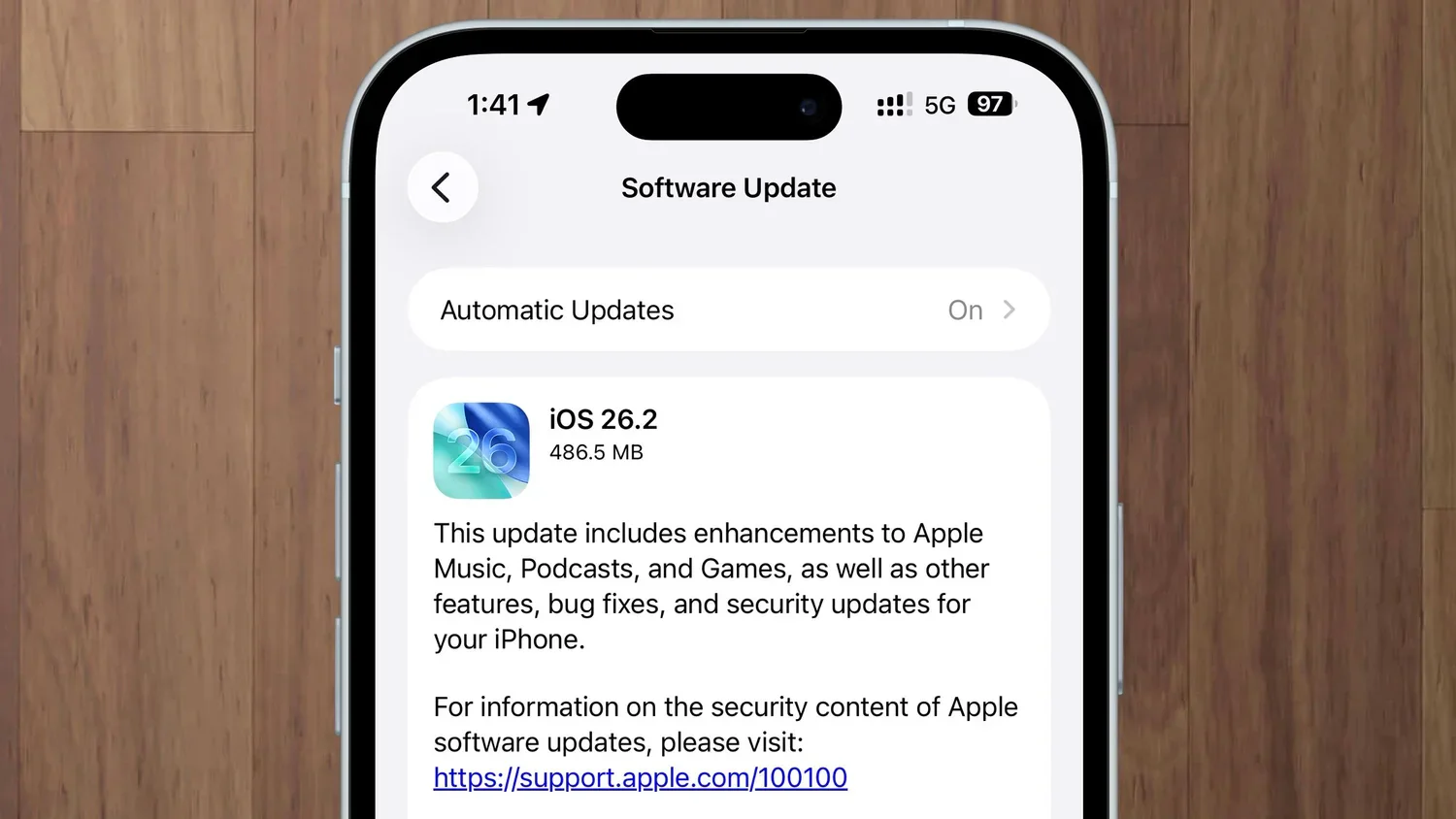
Apple is preparing to release the first major update for iOS 26. iOS 26.1 will probably be released later this month. Among the bug fixes, performance improvements, tweaks to the new Liquid Glass interface, and a few other new features and changes, Apple is changing how you dismiss an alarm. I think

macOS 26 Tahoe gets clipboard history

macOS 26 Tahoe gets clipboard history

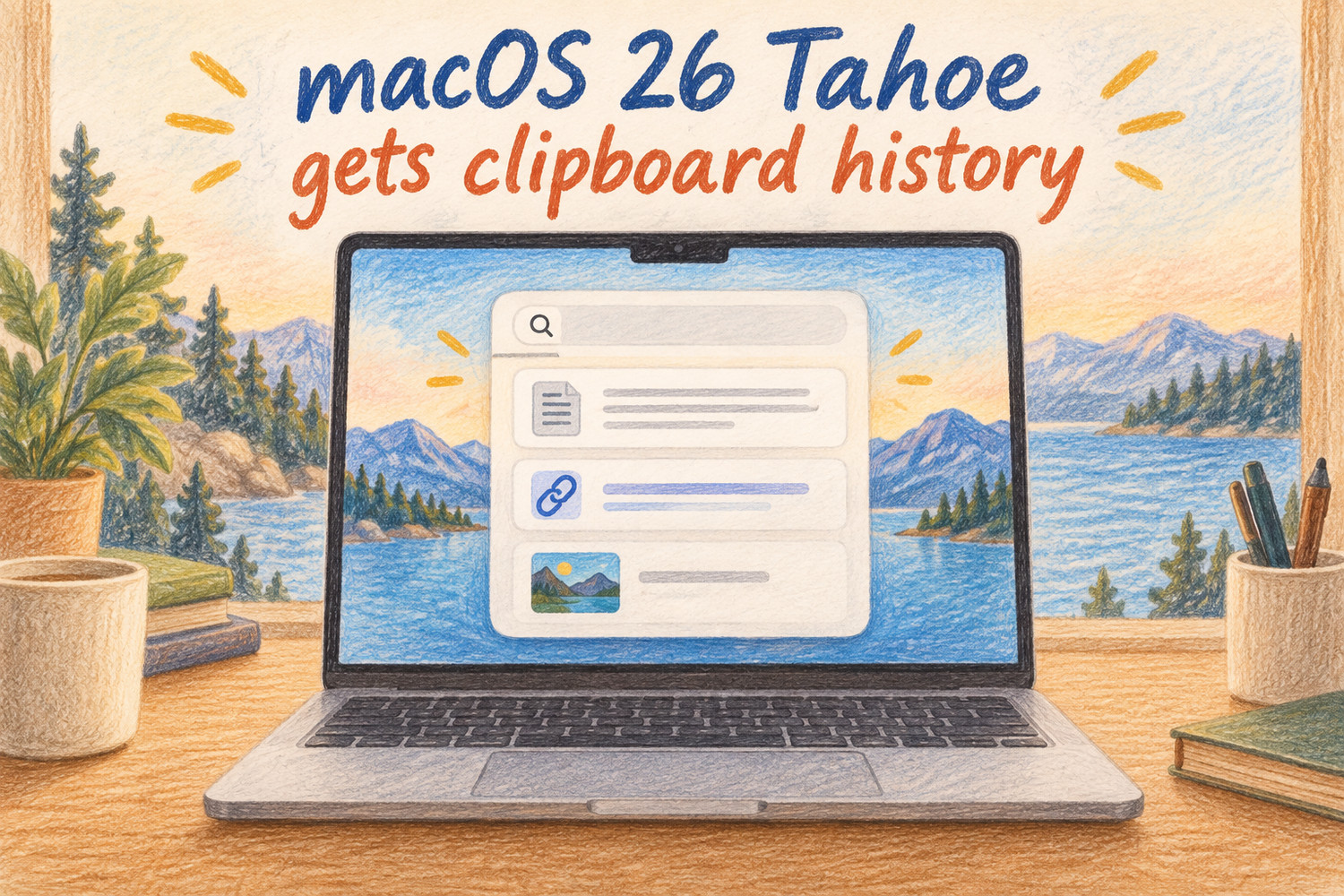
If you are a heavy user of copy/paste, you may be excited to learn that macOS 26 Tahoe, introduced last week , gains clipboard history! Now, every time you copy something, it can be later retrieved even after you have copied other content. However, for privacy reasons, it is not enabled by default.

How to make text easier to read in iOS 26

How to make text easier to read in iOS 26

If you have upgraded to iOS 26 and iPadOS 26, you’ll undoubtedly notice Apple’s new Liquid Glass design. This is the first major update to the iPhone appearance since iOS 7 did away with skeuomorphisms twelve years ago, so it’s understandable that many people find this new look shocking. I’m a big f

Details from today’s press announcement: iPhone 17

Details from today’s press announcement: iPhone 17

Early September every year, Apple unveils the annual iPhone update in a video press release. Today, Apple showed off the new iPhone 17 lineup along with a few other announcements. Below you’ll find my concise overview. I’m skipping a lot of the details, but the important things are here: what, how m

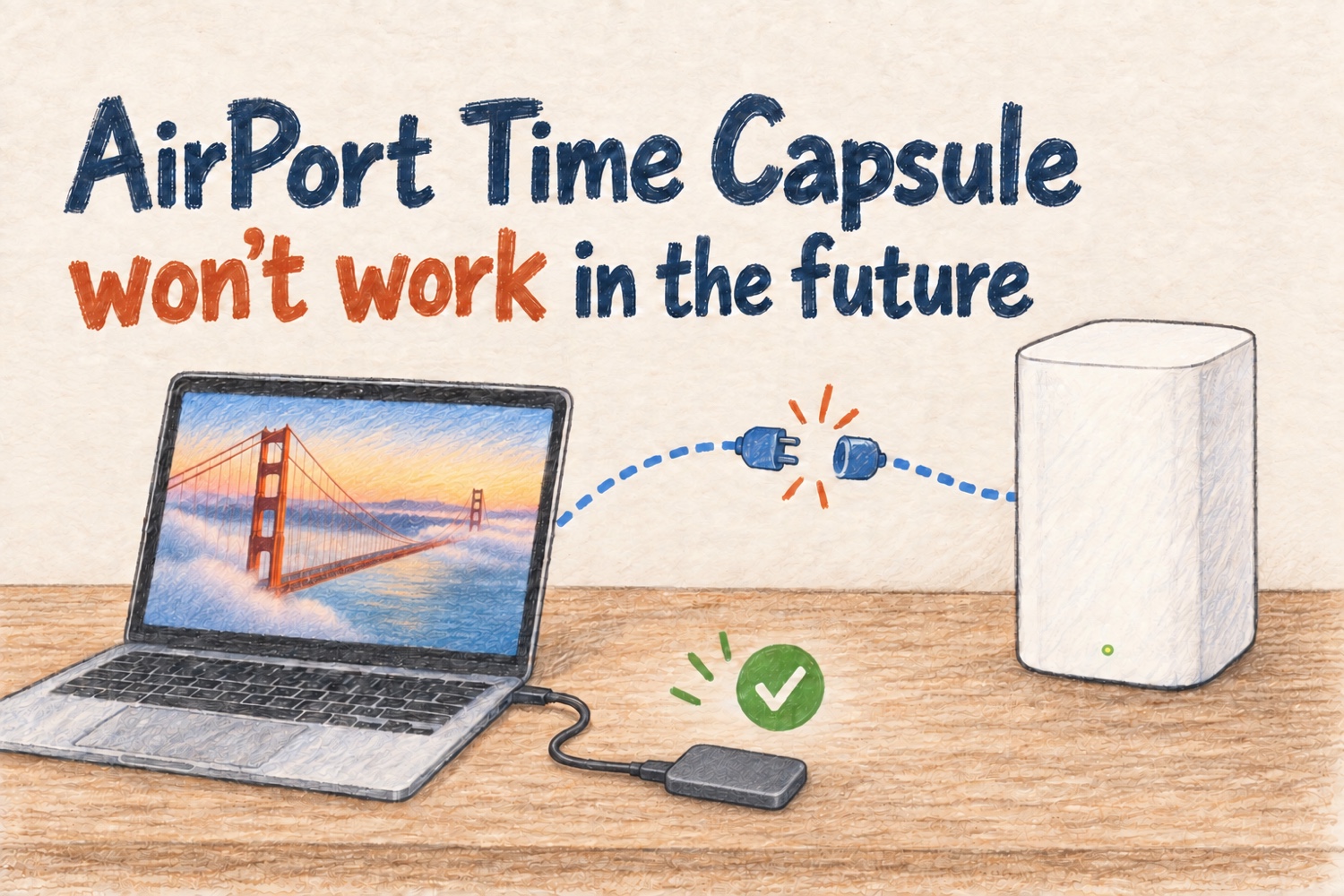
AirPort Time Capsule won’t work in the future

AirPort Time Capsule won’t work in the future

If you’re still backing up your Mac to an AirPort Time Capsule, you may have seen a warning after upgrading to macOS 15.6 Sequoia: Disk Not Recommended for Backups . Future versions of macOS will no longer support Time Capsule disks for Time Machine Backups. or (if you have upgraded to macOS 26)

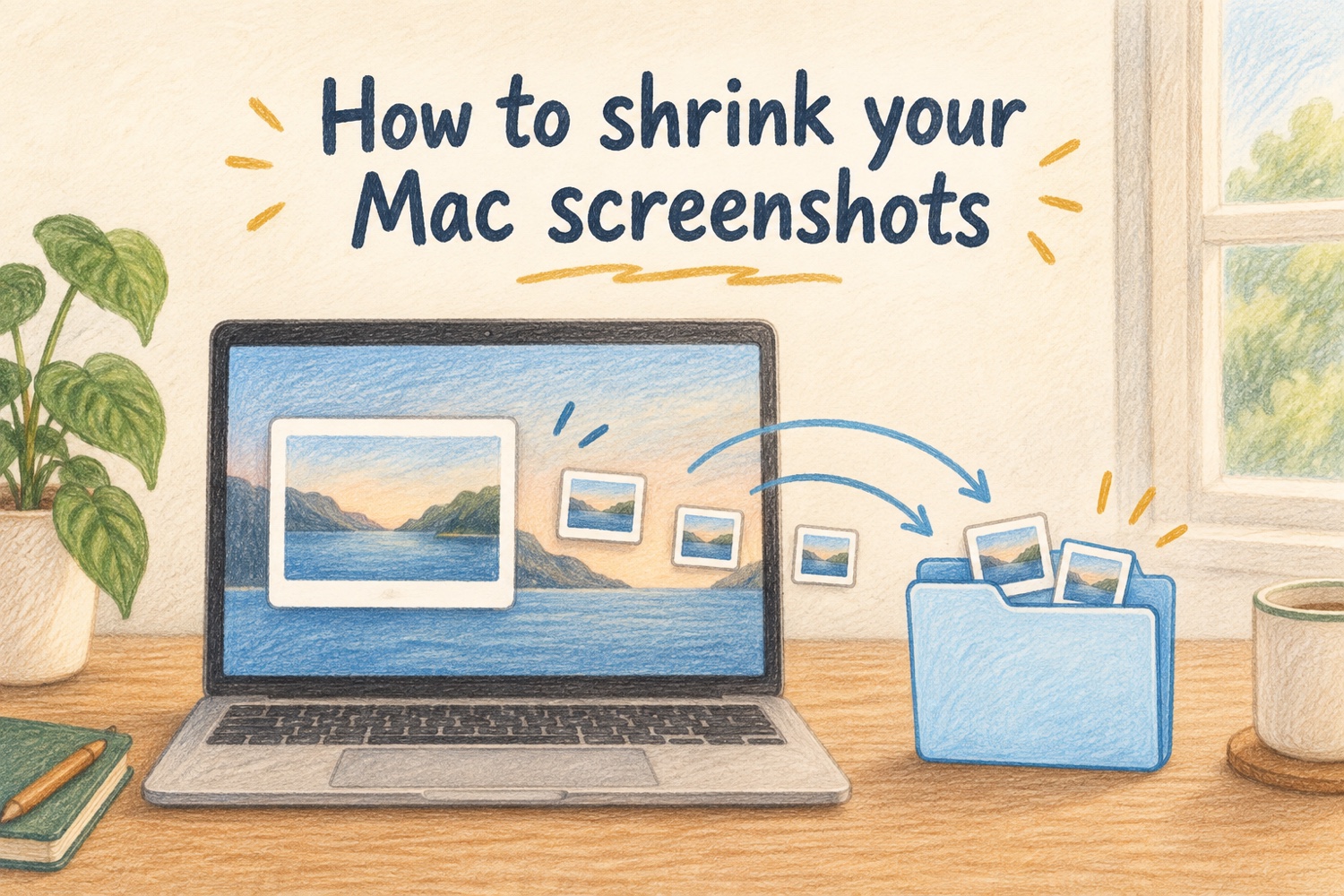
How to shrink your Mac screenshots

How to shrink your Mac screenshots

If you take a lot of screenshots on your Mac, you are likely filling up your computer, email, and your colleague’s email boxes with enormous files. This is because the default screenshot format on Mac is PNG, a nearly 30-year-old file format that doesn’t take advantage of modern advances in file com

Apple releases iOS 18.6, macOS 15.6, more

Apple releases iOS 18.6, macOS 15.6, more

Today, Apple released updates across all operating systems. This is likely to be one of the final updates for all of their software because iOS 26 and macOS 26 are due for release in two months. From now on, it’s likely that this software will only get security patches. If you are a late adopter and

iPhone 15/16 adds an arrow and distance to Find Friends

iPhone 15/16 adds an arrow and distance to Find Friends

If you’ve ever been in a crowded museum, farmer’s market, or shopping mall and realized your travel buddy has vanished, you know the mix of frustration and mild panic that follows. Luckily, Apple has a solution! Yes, Find Friends has been around since iOS 5 in 2011. It is great because you can see

Why you shouldn’t buy an iPhone right now

Why you shouldn’t buy an iPhone right now

If you follow Apple news, you probably know that every September brings new iPhones. That’s just around the corner! So if you’re feeling the itch to upgrade, now might be the perfect time to wait. Here’s why: Longevity : Waiting two months could mean your next iPhone lasts a full year longer in

Will my device run this fall’s software updates?

Will my device run this fall’s software updates?

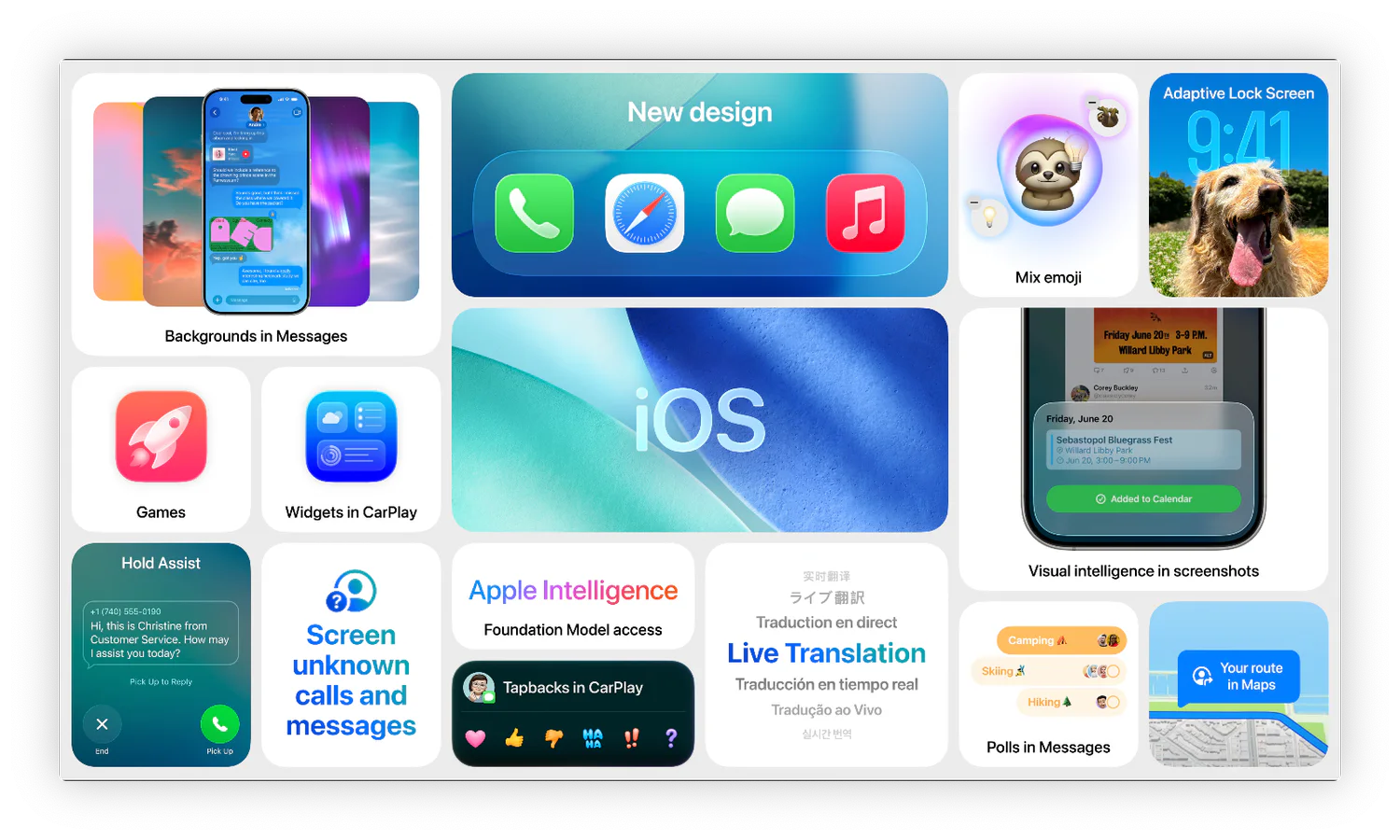
If you haven’t heard, Apple recently announced this fall’s software , which includes iOS 26 and macOS Tahoe 26. Apart from the new features, the biggest question is: can my devices run this new software? Don’t worry too much if it can’t. There are some really cool features being added, like the ab

WWDC 2025 Announcements

WWDC 2025 Announcements

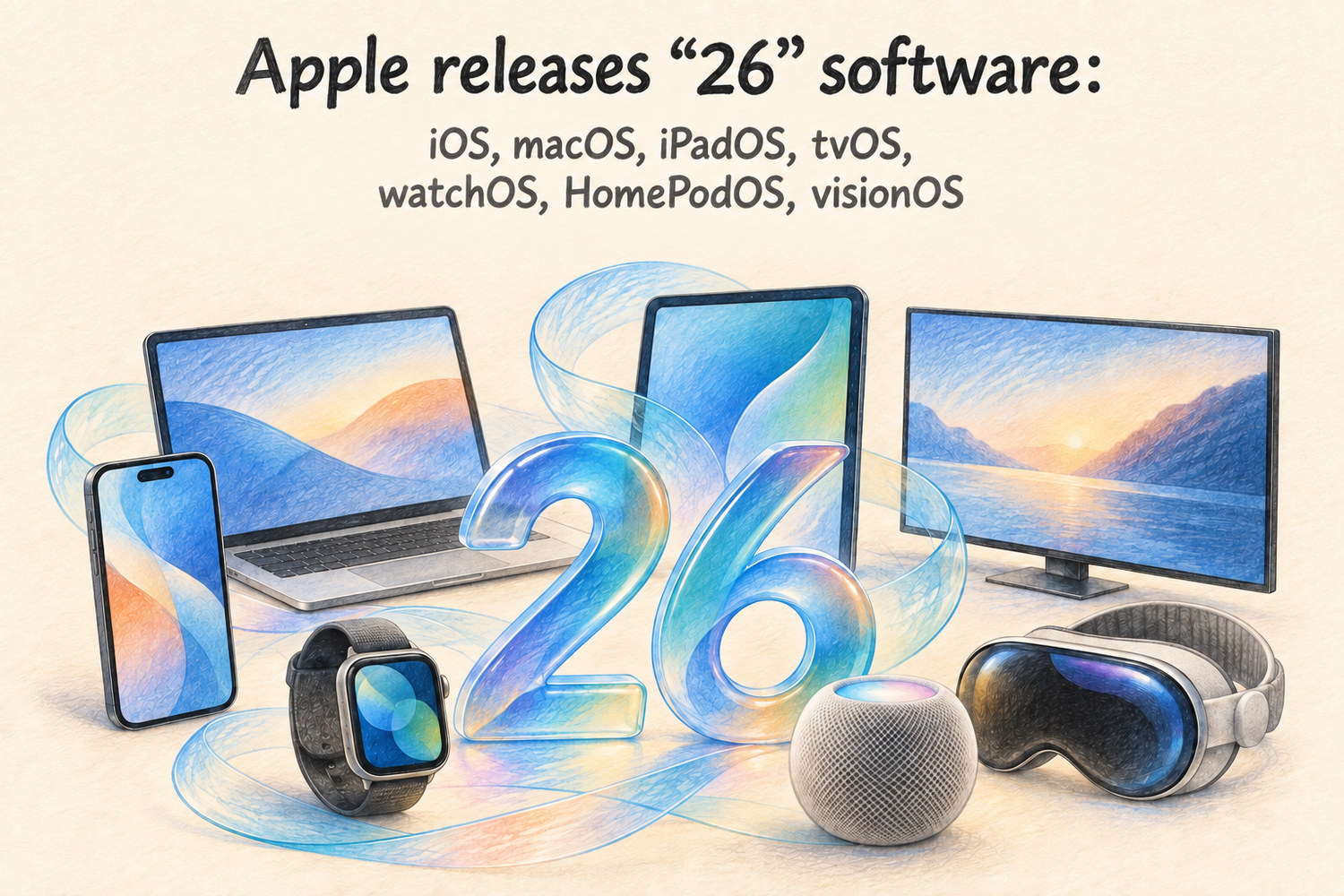
As Apple does every June, today Apple unveiled the upcoming software for this fall. While WWDC (World Wide Developers Conference) is an event for software developers, today’s keynote is a bit more geared to the general public so that people can see what to expect. All software was released in beta

Tap. Ride. Go: DC Metro no longer requires SmarTrip

Tap. Ride. Go: DC Metro no longer requires SmarTrip

The Washington Metropolitan Area Transit Authority (WMATA) just made transit in the US Capital a whole lot easier. As of this week, Metro riders can now pay directly at fare gates in Metro Stations using a contactless credit/debit card or mobile wallet—no SmarTrip card required. Each ride will simpl

How to change the default app for a file on your Mac

How to change the default app for a file on your Mac

Have you ever double-clicked a file on your Mac only to have it open in an app you don't like or never use? Maybe PDFs keep opening in Safari when you'd rather use Preview or Adobe Acrobat. Or perhaps every time you open a photo, it insists on launching Photos instead of your preferred image editor.

What do I do when my Mac is out of application memory

What do I do when my Mac is out of application memory

If you've ever seen a message on your Mac saying “Your system run out of application memory," you might wonder what’s going on, especially if you haven’t opened that many apps. The culprit is often something called a memory leak . But what does that mean, what is wrong, and how can you fix it?

Image viewer