Tips and Guides

I explain what matters in plain English, with practical steps you can use and recommendations based on my experience helping clients.

Showing 55–72 of 589 articles

How do I get started with ChatGPT?

How do I get started with ChatGPT?

If you've ever wished you had a friendly expert sitting beside you, ready to help you write, brainstorm, answer questions, or explain confusing topics, that's essentially what ChatGPT is. It's like having a super-smart assistant who never sleeps and doesn't mind being asked the same question a dozen

Find and Share Wi-Fi Network Passwords

Find and Share Wi-Fi Network Passwords

A neat feature built into iOS, iPadOS, and macOS is that your devices will offer to share the Wi-Fi password if others near you try to connect to a network your devices know. However, for this feature to work, they must be in your Contacts, have an Apple device, and at times, it doesn’t activate as

With iOS 18.2 and Later, You Can Share the Location of Lost Items in Find My

With iOS 18.2 and Later, You Can Share the Location of Lost Items in Find My

In iOS 18.2, Apple enhanced the Find My app, enabling you to create a temporary link that shares the location of a lost AirTag or other Find My-tracked item. You don’t need to know the person’s email address or share any other information, and the link automatically expires after a week. It’s a grea

Apple releases iOS 18.4, macOS 15.4, more

Apple releases iOS 18.4, macOS 15.4, more

Today, Apple released significant updates across all of their OSes. In addition to the standard bug and security fixes, these updates include several new features such as: Mail now asks whether you wish to continue using categories iPad and Mac get the new Mail app with optional categorizatio

Why you should delete your 23andMe data now

Why you should delete your 23andMe data now

If you've ever used 23andMe to trace your ancestry or peek into your genetic health risks, it might be time to take a second look at where that information is stored. This month, 23andMe filed for bankruptcy. And here's the part that should concern you: their assets are being auctioned off to the h

HomePods Can Alert You of Smoke and Carbon Monoxide Alarms

HomePods Can Alert You of Smoke and Carbon Monoxide Alarms

Although we think about HomePods as being useful for playing audio and responding to Siri commands, they can do more. HomePods can send a notification to your iPhone if their built-in microphones recognize the piercing squeals from smoke and carbon monoxide alarms. If you are away from home, that no

Create Links to Selected Text in Long Web Pages

Create Links to Selected Text in Long Web Pages

If you have Control- or right-clicked on text in a Web browser, you may have seen an oddly named command: Copy Link to Highlight . When you choose it, it puts a URL on your clipboard, not just to that page, as Copy Link Address would, but also to the selected text. You can use this URL to make a li

You Can Now Migrate Purchases from One Apple Account to Another

You Can Now Migrate Purchases from One Apple Account to Another

Ever since Apple launched the iTunes Store in 2003 with online accounts known as Apple IDs— now referred to as Apple Accounts —many users have ended up with multiple accounts. This situation arose partly because as .Mac was rebranded to MobileMe which was rebranded to iCloud, many people thought tha

New M4 MacBook Air Features Faster Performance and Improved Video Calls

New M4 MacBook Air Features Faster Performance and Improved Video Calls

Last week Apple unveiled an update to the MacBook Air, which it touts as the world’s most popular laptop. The new model goes on sale tomorrow (you can preorder it already)! While the MacBook Air has long been a compelling option for many consumers, the new 13-inch and 15-inch M4 MacBook Air models

For Moments of Nostalgia, Use watchOS 11’s Photos Watch Face

For Moments of Nostalgia, Use watchOS 11’s Photos Watch Face

In watchOS 11, the new Photos watch face can display a photo from a shuffled set of images each time you raise your wrist (or tap the screen). Like the Lock Screen customization feature on the iPhone and iPad, the Photos face can dynamically select images of your favorite people, nature, and cities

Apple’s January 2025 Releases Enhance Apple Intelligence Features

Apple’s January 2025 Releases Enhance Apple Intelligence Features

Apple unveiled Apple Intelligence in October 2024 and expanded its extensive collection of AI-powered features with its December updates. The company’s January 2025 releases of macOS 15.3 Sequoia, iOS 18.3, and iPadOS 18.3 enhanced the feature set in several notable ways. Remember, Apple Intel

iOS 18 and iPadOS 18 Offer Better PDF Handling in Mail

iOS 18 and iPadOS 18 Offer Better PDF Handling in Mail

You can now work directly with PDFs received in the Mail app using a little-known feature in iOS 18 and iPadOS 18. Tap a PDF attachment in a message and use the Markup and Form Fill buttons at the bottom to access the PDF markup and filling tools. After modifying your PDF, tapping the Done button gi

Why using AirTags for pets and children is a bad idea

Why using AirTags for pets and children is a bad idea

Apple AirTags are clever little devices designed to help you find misplaced items like your keys, wallet, or luggage. But people often use them for purposes Apple didn’t intend, like tracking their pets or even their kids. While it might seem like a simple and affordable solution for peace of mind,

Apple Invites simplifies social event planning

Apple Invites simplifies social event planning

Last week Apple launched a new app called Apple Invites, designed to make planning social events with friends and family easier. Available as an app on iPhone, it can also be accessed via iCloud.com.

Text Replacements Not Working on the Mac? Check This Setting

Text Replacements Not Working on the Mac? Check This Setting

Apple provides a handy ecosystem-wide feature that replaces a typed abbreviation of your choosing—say “ =eml ”—with text you specify, like your email address. (Seriously, copy that one so you don’t have to type your email address repeatedly.) These automatic text replacements sync via iCloud so you

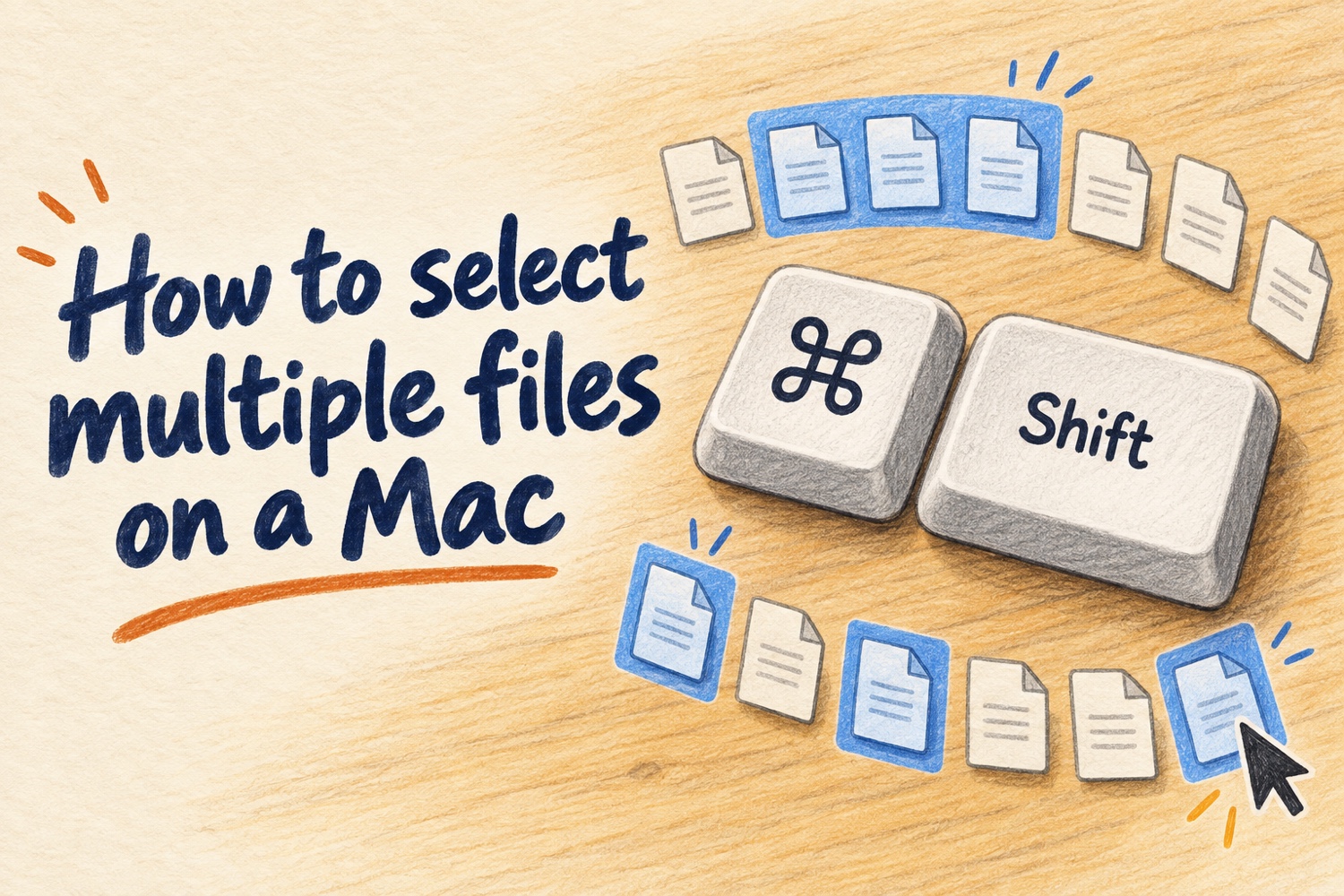
How to select multiple files on a Mac

How to select multiple files on a Mac

Select multiple files on a Mac with Command, Shift, Command-A, or drag-to-select. See which method to use for separate files, a range, or all files.

Add Weather to Your Mac’s Menu Bar with This Sequoia Tip

Add Weather to Your Mac’s Menu Bar with This Sequoia Tip

In macOS 15.2 Sequoia, Apple added the option to display the current weather conditions in the menu bar but hid the switch deep in the bowels of System Settings. To turn this option on, open System Settings > Control Center, scroll to the bottom, and in the Menu Bar Only section, for Weather,

Improve your hearing with the AirPods Pro 2 and iOS 18

Improve your hearing with the AirPods Pro 2 and iOS 18

For many, Apple’s AirPods are just another pair of earbuds: a convenient way to listen to music, podcasts, or videos. But thanks to the latest software improvements, the AirPods Pro 2 have taken a big leap forward in what they can do—especially when it comes to hearing health. Read more about the

Image viewer