Tips and Guides

I explain what matters in plain English, with practical steps you can use and recommendations based on my experience helping clients.

Showing 73–90 of 589 articles

How to convince Microsoft Office apps to save files on your Mac

How to convince Microsoft Office apps to save files on your Mac

By default, Microsoft Office apps—Word, Excel, and PowerPoint—try to save files on Microsoft OneDrive as a way of promoting the company’s cloud storage. OneDrive is a great service for those who need it. It allows you to share documents and simultaneously edit them with collaborators. But if you don

Manage default apps effortlessly with iOS 18.2 and iPadOS 18.2

Manage default apps effortlessly with iOS 18.2 and iPadOS 18.2

A small yet powerful enhancement in  iOS 18.2  and  iPadOS 18.2  makes managing your default apps on iPhone and iPad easier than ever. For those unfamiliar, a  default app  is the one your device automatically uses for specific tasks—like opening

Is Wipr 2 the best ad blocker for Safari?

Is Wipr 2 the best ad blocker for Safari?

Wipr 2 is my top pick for blocking ads, trackers, and cookie banners in Safari. One-time $4.99 purchase, no subscription covers iPhone, iPad, and Mac.

Apple’s 2025 roadmap

Apple’s 2025 roadmap

What does Apple have in store for 2025? While Apple is famously secretive, we have some clues. Some based on precedent and some based on supply chain rumors. Read on for more details. For sure Every fall Apple releases updated iPhone and updated software for all of their OSes. We have no rea

Exploring the new Apple Mail features in iOS 18.2 and macOS 15.4

Exploring the new Apple Mail features in iOS 18.2 and macOS 15.4

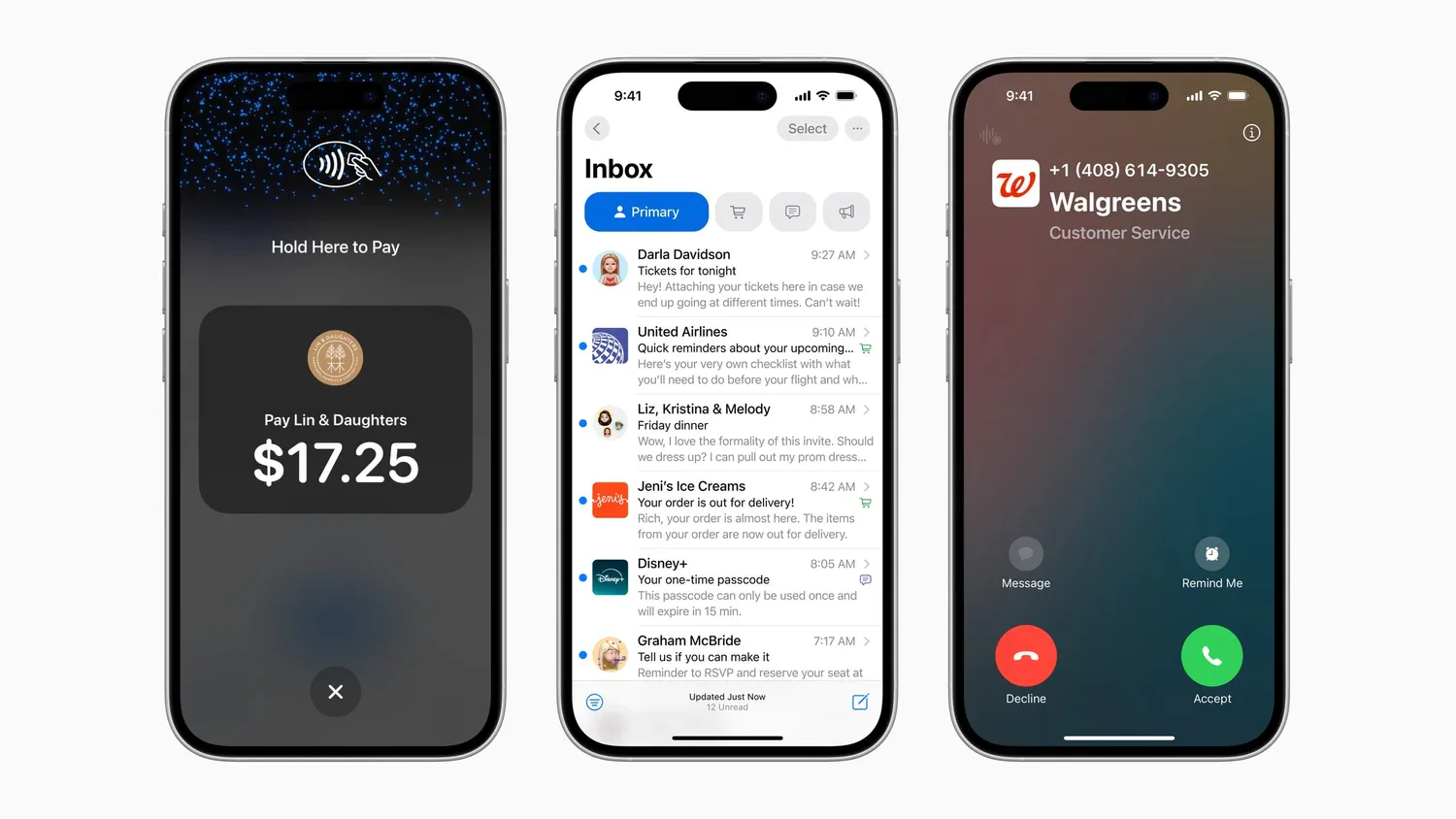
Apple Mail just got its biggest update ever in iOS 18.2 , and iPhone users have a lot to be excited about. From new ways to organize your inbox to visual cues that help you avoid scams, this update redefines how you interact with your messages. Let’s dive into the new features, how they work, and h

Reduce scam risks by disabling 'Use Smart Addresses' in Apple Mail

Reduce scam risks by disabling 'Use Smart Addresses' in Apple Mail

Apple Mail's Use Smart Addresses feature on Mac hides full email addresses, showing only contact names. While this looks tidier, it can increase your risk of falling for scam and phishing emails. This feature is on by default, but turning it off can help keep you safer. How to Disable "Use S

How to use or disable window "snapping" in macOS Sequoia

How to use or disable window "snapping" in macOS Sequoia

If you’ve recently upgraded to macOS Sequoia, you may have noticed a new feature called “window snapping.” This feature automatically resizes windows when you drag them to specific areas of your screen—helpful if you know how it works, but it can sometimes be frustrating or unintended. What is Win

Use Guided Access to Securely Share an App on Your iPhone or iPad

Use Guided Access to Securely Share an App on Your iPhone or iPad

iPhones and iPads are incredibly personal devices, but there may be times you want to let someone else use a specific app without giving them free rein over your private data. Whether it’s letting a child play a game, allowing a volunteer to check in event attendees, or handing your device to a nosy

Apple’s Tips App Provides Extensive User Guides and Helpful How-Tos

Apple’s Tips App Provides Extensive User Guides and Helpful How-Tos

Have you ever wished for a manual so you can learn what your Apple device can really do? That’s exactly what Apple’s Tips app is designed for! Whether you’re a new user or an Apple veteran, this built-in app provides clear, helpful guidance right on your iPhone, iPad, or Mac. From basic gestures t

Watch Out for PayPal Invoice Phishing Scams

Watch Out for PayPal Invoice Phishing Scams

Recently, there’s been an increase in fake invoices sent through PayPal by scammers. Because these fraudulent invoices are dispatched via PayPal’s own system, they often bypass spam filters and lack many of the usual signs of phishing emails. The scammers sign up for a PayPal account and are actuall

Apple Brings the M4 Chip Family to the iMac, Mac mini, and MacBook Pro

Apple Brings the M4 Chip Family to the iMac, Mac mini, and MacBook Pro

Last week Apple spread out a three-day virtual event of the first Macs to use the M4 chip family, which debuted earlier this year with the iPad Pro. The updated iMac and MacBook Pro retain the same industrial designs as in the past, while Apple took a shrink ray to the Mac mini. All of these comput

Is Apple publishing your correct business information?

Is Apple publishing your correct business information?

If you have your own business, you may have created a profile on Google Business . This service allows you to keep your data on Google Maps current, whether it's to update hours, offer deals, add photos, or indicate what services you offer. And probably also Yelp for Business . What many business

Reveal Mac Window File Icons Permanently With This Setting

Reveal Mac Window File Icons Permanently With This Setting

I'm a big fan of the Mac’s window file icons... you know, those little icons that appear in window title bars next to the filename. They’re not just cosmetic—you can use them just like the Finder icon for the open document. You can drag one to Mail to attach the document to a message, to a Web brows

Apple ID Renamed to Apple Account in Latest Operating System Releases

Apple ID Renamed to Apple Account in Latest Operating System Releases

In macOS 15 Sequoia, iOS 18, iPadOS 18, and watchOS 11 , Apple has officially renamed Apple ID to Apple Account . Nothing has changed except what we call it. The new name is a slightly more sensible term because you can sign in to an Apple Account that holds your information, whereas the term ID

Image viewer