


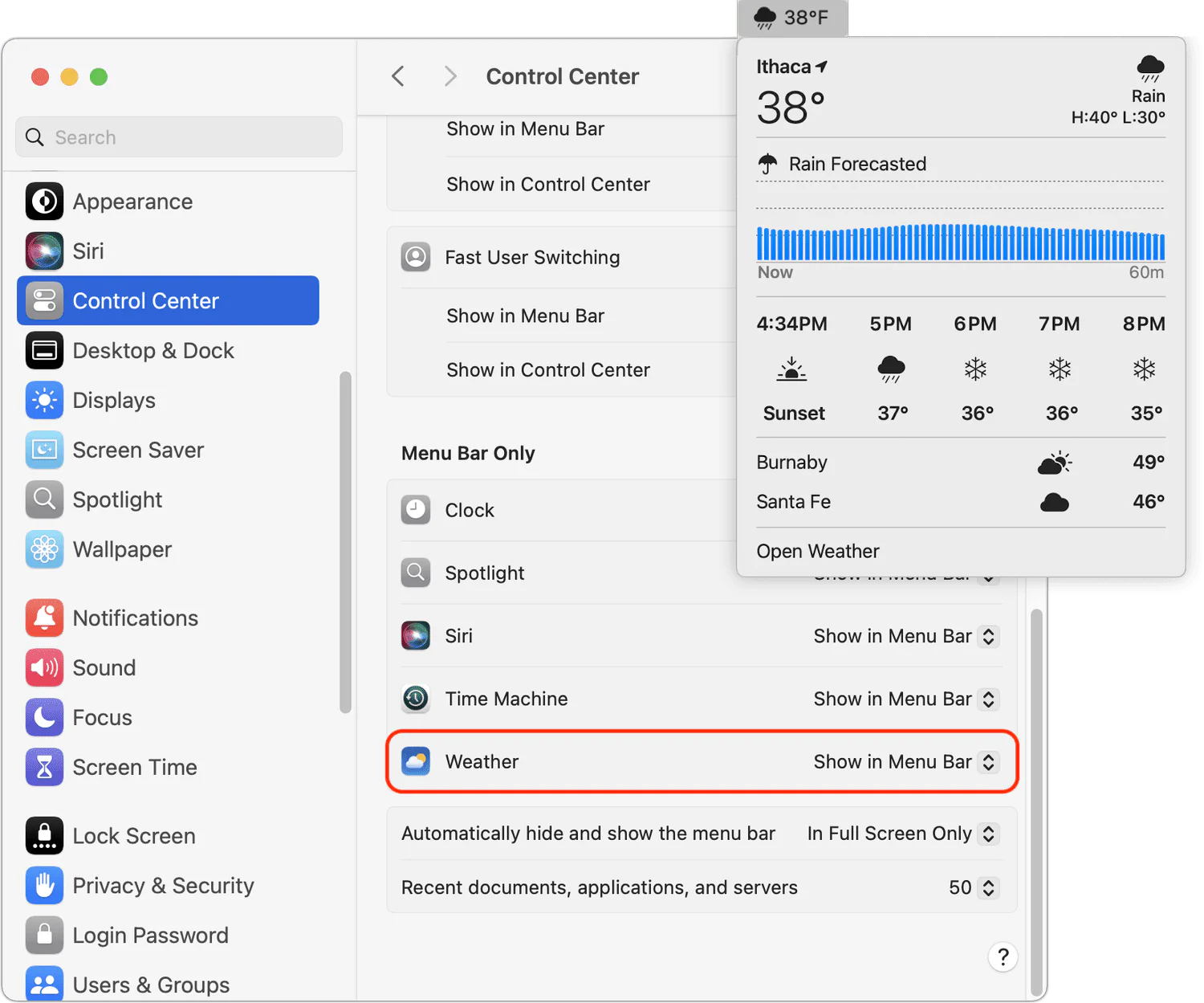
In macOS 15.2 Sequoia, Apple added the option to display the current weather conditions in the menu bar but hid the switch deep in the bowels of System Settings. In macOS 15.2 Sequoia, open System Settings > Control Center, scroll to the bottom, and in Menu Bar Only, set Weather to Show in Menu Bar. In current macOS, open System Settings > Menu Bar and enable Weather under Menu Bar Controls. A new item with the current conditions at your location will appear in the menu bar; click it to see the forecast and access other locations in Apple’s Weather app.
(Featured image by iStock.com/trangiap)