Tips and Guides

I explain what matters in plain English, with practical steps you can use and recommendations based on my experience helping clients.

Showing 127–144 of 589 articles

Clickbait Warning: You DON'T need to disable Name Drop

Clickbait Warning: You DON'T need to disable Name Drop

There has been a rash of articles and social media posts lately warning people to disable Name Drop, one of the cool features of iOS 17 that allows you to easily exchange contact information with someone you just met. The posts suggest that this feature could be used to steal your contact informatio

Four Solutions to Gotchas in macOS 14 Sonoma

Four Solutions to Gotchas in macOS 14 Sonoma

I'm seeing an increasing number of people switching to macOS 14 Sonoma, and by and large, things are going better this year than most. However, Apple introduced some new features—and turned them on by default—that are causing some consternation. If you’ve switched to Sonoma or are planning to soon,

The “Hey” Part of “Hey Siri” Is Now Optional

The “Hey” Part of “Hey Siri” Is Now Optional

If you use Siri, particularly on a HomePod, you’re probably accustomed to saying “Hey Siri” as the trigger phrase before your requests. In Apple’s new operating systems for 2023, you can now choose to invoke Siri using the traditional “Hey Siri” or just “Siri” (at least in Australia, Canada, the UK,

Auto-update is enabled. Why aren’t my devices updating?

Auto-update is enabled. Why aren’t my devices updating?

A question I am getting more often than ever, now that updates are more important than ever: "Why isn't my iPhone or Mac updating automatically even though I have Auto-Update turned on?" There are many possible reasons for this. The biggest reason is that Auto-Update does not mean upda

Forget Your Just-Changed Passcode? iOS 17’s Passcode Reset Has Your Back

Forget Your Just-Changed Passcode? iOS 17’s Passcode Reset Has Your Back

Generally speaking, there’s usually no reason to change your passcode. However, there are plenty of good reasons to change it: If someone you don't trust such as a bad roommate or an ex were to steal your device they could wreak havoc: they could change your Apple ID, they could look up your pass

macOS 14 Sonoma released

macOS 14 Sonoma released

Every fall, Apple releases big updates to all of their system software. About a week after releasing iOS 17 and iPadOS 17 , they are releasing macOS 14 Sonoma for Macintosh computers. Namesake As you may know, Apple previously named their Mac software for big cats, but beginning with Mavericks i

iPhone 14 Pro photographers should enable this iOS 17 feature right away!

iPhone 14 Pro photographers should enable this iOS 17 feature right away!

Last week, Apple announced that iPhone 15 and iPhone 15 Pro can save high-res photos larger than 12-megapixel. They are calling this HEIF Max. So you can now take photos in resolutions as high as 48 megapixels in certain circumstances! What they didn’t publicly announce, though, was that iOS 17 unl

iOS 17 is out! What's new?

iOS 17 is out! What's new?

As you may know, every September Apple releases new iPhones, and alongside it is a new version of iOS. This year it's iOS 17. But it's a bit more than just iOS that gets an update. iPadOS, watchOS, tvOS, and HomePod OS all got updates today as well. But since their software is all so similar most of

Official: Apple to unveil iPhone 15 on September 12

Official: Apple to unveil iPhone 15 on September 12

As you may well know, every September Apple releases new iPhones. Today Apple invited the press to their Wonderlust event on September 12 at 10 am Pacific (1 pm Eastern) to unveil iPhone 15. Historically, preorders begin that Friday and deliveries begin the Friday after that. Watching the an

My Webcam Recommendations

My Webcam Recommendations

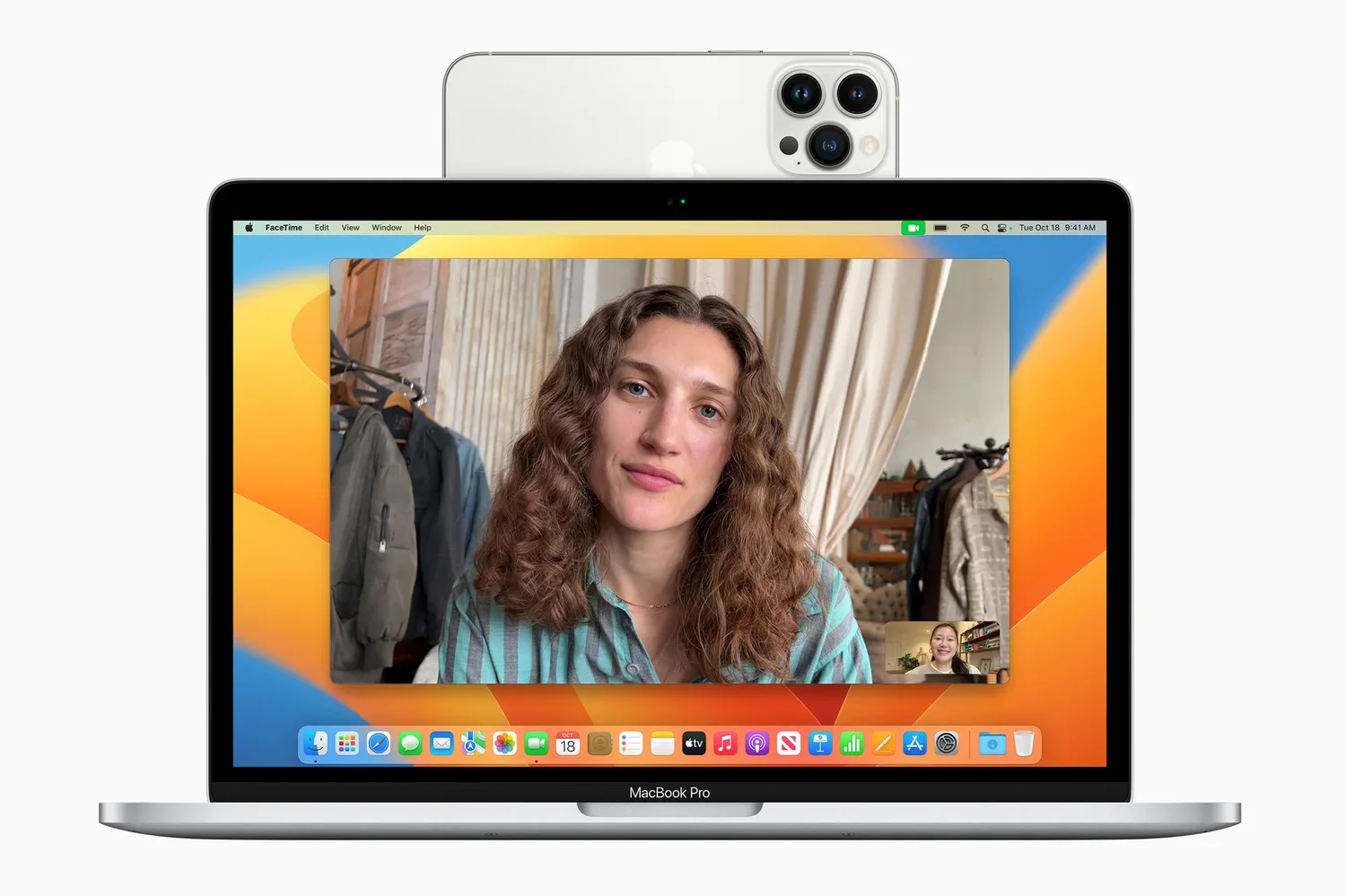
Some links in this post are affiliate links. If you use them, I may earn a small commission at no extra cost to you. If you use a MacBook or iMac to make video calls, you've probably never given a thought about the camera when making FaceTime or Zoom calls because those computers have a camera bui

Settings check: is Find My enabled?

Settings check: is Find My enabled?

Is Find My enabled on your Apple devices? You should definitely double-check that now. Having it enabled before it gets lost or stolen greatly increases your chances of recovering it. This has been an extremely valuable tool for many of my customers, and has helped many of them save hundreds or

Identify and Eliminate Scam Notifications

Identify and Eliminate Scam Notifications

Email may be the most common form of scams and phishing, but it’s not the only one. If you use your Mac regularly, you are probably familiar with the notification banners in the upper right corner of your screen. When legitimate these can alert you to new emails, new text messages, breaking news, re

How to Protect Your Child’s Hearing from Too-Loud Headphone Audio

How to Protect Your Child’s Hearing from Too-Loud Headphone Audio

Loud sounds are harmful to everyone, and many parents worry that their children are at risk for hearing loss due to too-loud headphone audio from iPhones and iPads. To lower the likelihood of this happening, Apple provides a Reduce Loud Sounds option in Settings > Sounds & Haptics &

Adjust AirPods Options in the Settings App

Adjust AirPods Options in the Settings App

If you sometimes have trouble configuring your AirPods, AirPods Pro, or AirPods Max, here’s the trick. The AirPods settings screen is available only when the AirPods are connected to your iPhone, so you must open their case or put them in your ears. Once you do that, a new item with the name of th

The Best Products for Mac and iPhone Users

The Best Products for Mac and iPhone Users

Curated Mac and iPhone product picks from an independent Apple consultant in San Francisco. Covers monitors, printers, routers, webcams, mice, and more. Updated regularly.

PSA: If your iPhone calls emergency services (911), don't hang up

PSA: If your iPhone calls emergency services (911), don't hang up

There are several ways in which your iPhone or Apple Watch can call emergency services automatically. In particular, if you have Apple Watch fall detection enabled or an iPhone 14 or Apple Watch Series 9 and are involved in what your device believes is a serious car crash, crash detection gets tri

Image viewer