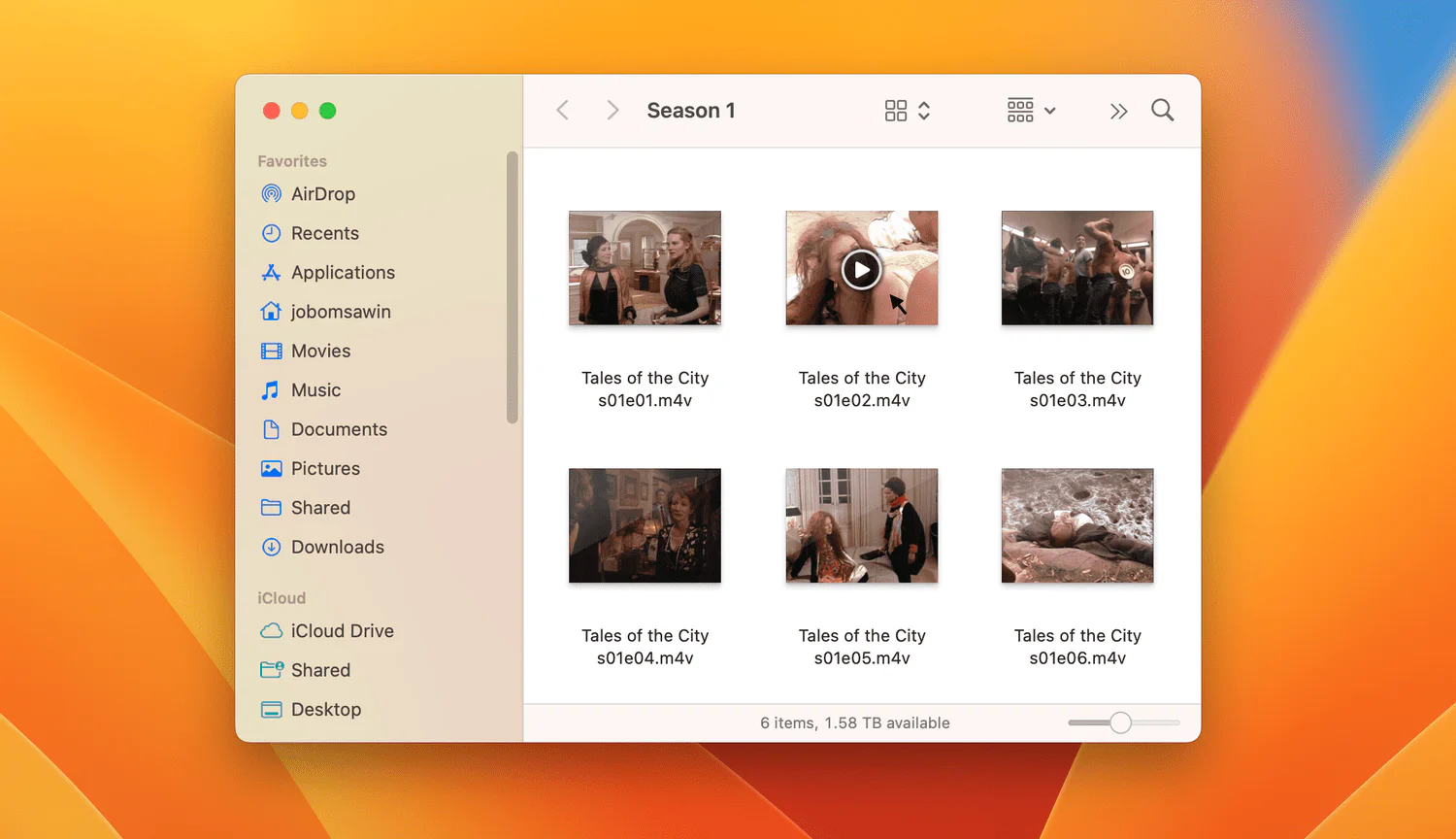
Years ago Finder on Mac added a really nifty little feature where the icon thumbnail for audio and video files offers a teensy tiny player right in the icon. While technically really cool, I think I'd file this feature under "we did it because we can". All too often, I see people trying to click a file intending to select it, but instead, it starts playing. The command below is an undocumented workaround, not a supported Finder setting. Its behavior may vary by macOS version, and I have not verified it on current macOS releases. Do not assume it will work on your Mac.
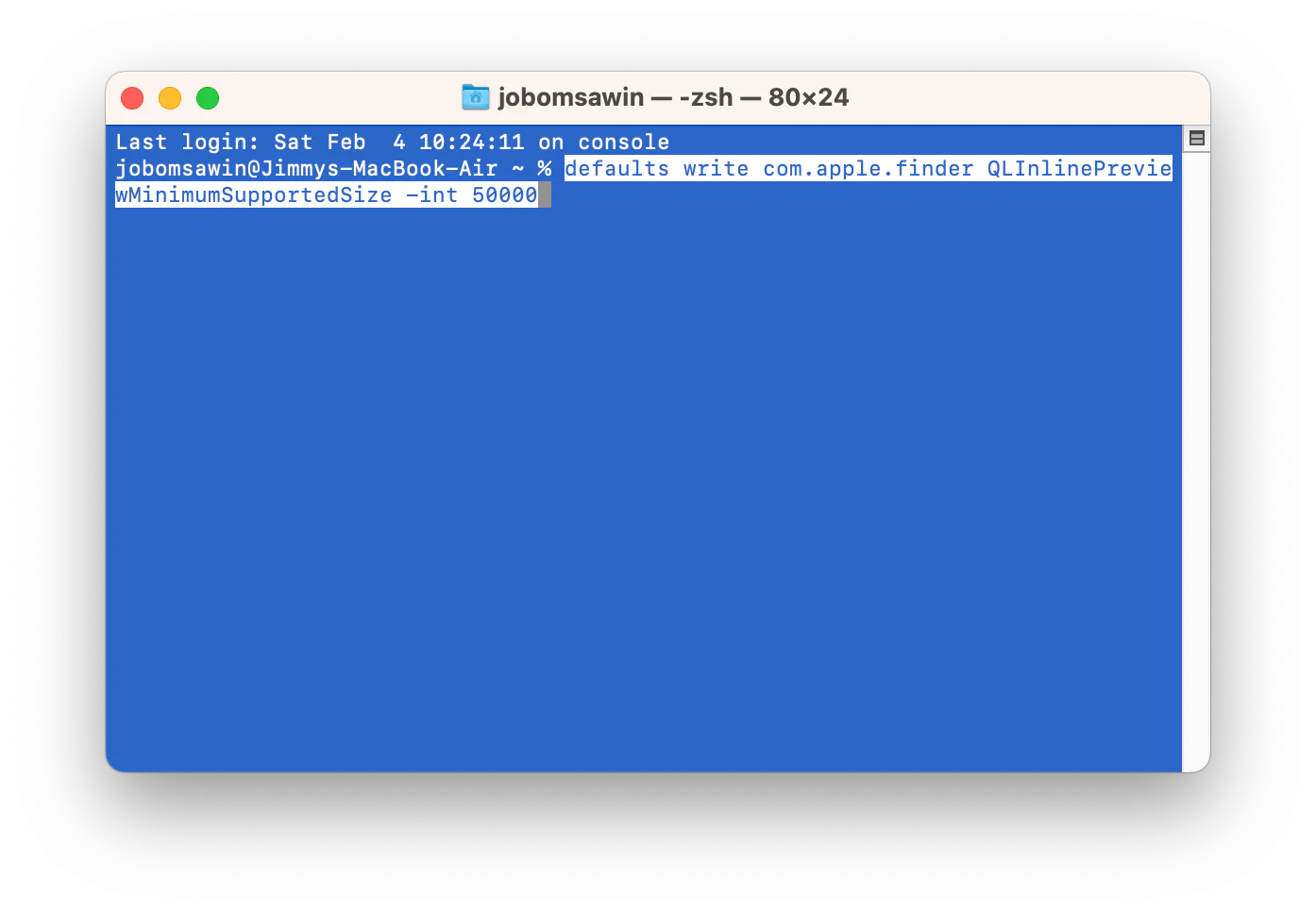
For historical reference, this is the Terminal command the original tip used:
defaults write com.apple.finder QLInlinePreviewMinimumSupportedSize -int 50000
The original workaround attempted to suppress inline media controls by changing an internal Finder preference. Apple does not document this preference or its current effect, so the result is unverified on current macOS versions.