Tips and Guides

I explain what matters in plain English, with practical steps you can use and recommendations based on my experience helping clients.

Showing 577–589 of 589 articles

Use Quicklook in unexpected places

Use Quicklook in unexpected places

Quick Look has some really handy hidden uses. In addition to getting a preview of files in Finder you can use it to take a quick look at: files in Trash items in your print queue attachments in Mail documents in open/save dialog boxes spotlight search results (hover the mouse over the ite

Attach a photo or video in iOS Mail

Attach a photo or video in iOS Mail

Attach a photo or video to an email message that has already been started by using a hidden menu in iOS Mail. Double tap the white space where you want to insert, tap the right arrow on the popup menu, choose "Insert Photo or Video".

OS X Gestures and trackpad hints

OS X Gestures and trackpad hints

In the excitement of the iOS 6 release, I feel like I've kind of neglected the Mac. So today I want to talk about gestures. Gestures, which is Apple's name for the fancy fingerwork you can do on a trackpad as a shortcut for all kinds of cool features, has been introduced slowly over the past half a

My experience with iOS 6 Passbook

My experience with iOS 6 Passbook

UPDATE: Passbook became Apple Wallet in iOS 9. In addition to passes, it also includes payment options like Apple Pay. The data below is largely still accurate, though the screenshots are very dated and the features are far more expanded now. I recently took a vacation where I flew on United,

iOS 6 "Do Not Disturb" mode

iOS 6 "Do Not Disturb" mode

UPDATE : In iOS 15, Apple changed Do Not Disturb into Focus , which is far more powerful. iOS 6 introduced "Do Not Disturb" mode, which allows you to decide when you receive notifications. You can either enable it manually or on a schedule. This can be useful if you are a light slee

Multiple signatures on iOS 6 Mail

Multiple signatures on iOS 6 Mail

Update : As of iOS 18 this is still accurate, except you will now find this setting in the Settings app > Apps > Mail > Signature For those of us whose Apple products cross back and forth between our work and personal lives, we've long enjoyed the option of using diffe

Apple releases iOS 6

Apple releases iOS 6

Can I upgrade?  iOS 6 requires at least: iPhone 3GS iPad 2 iPod Touch 4th generation and newer (if your iPod Touch has a front facing camera you're good to go) Apple TV 2 (it isn't out as I'm sending this, but typically they delay Apple TV updates by a few hours)

iOS Tip: Quitting apps - don't do it

iOS Tip: Quitting apps - don't do it

I want to clear up some misconceptions about your apps running in the background. I even know several people who have gotten very bad information from Apple Store employees about this. If you "terminate" your apps when you are done with them you are wasting your time, and very possibly slo

OS X Tip: Send screenshots by email

OS X Tip: Send screenshots by email

Ever wanted a super-easy way to send screenshots by email? Using Apple's Mail app it's easy but strangely unintuitive. Simply begin your email and make sure your cursor is in the body of the email where you want it to go. Then go to the Mail menu and hover over Services . In the new sub-menu ther

OS X 10.8 Mountain Lion released

OS X 10.8 Mountain Lion released

Today Apple released Mountain Lion, the next major release for the Macintosh operating system, OS X. Having been using it myself throughout the beta process, I can honestly say that this has been the most stable and reliable initial release in recent Macintosh history. Typically I suggest that peopl

The wonders of Apple TV

The wonders of Apple TV

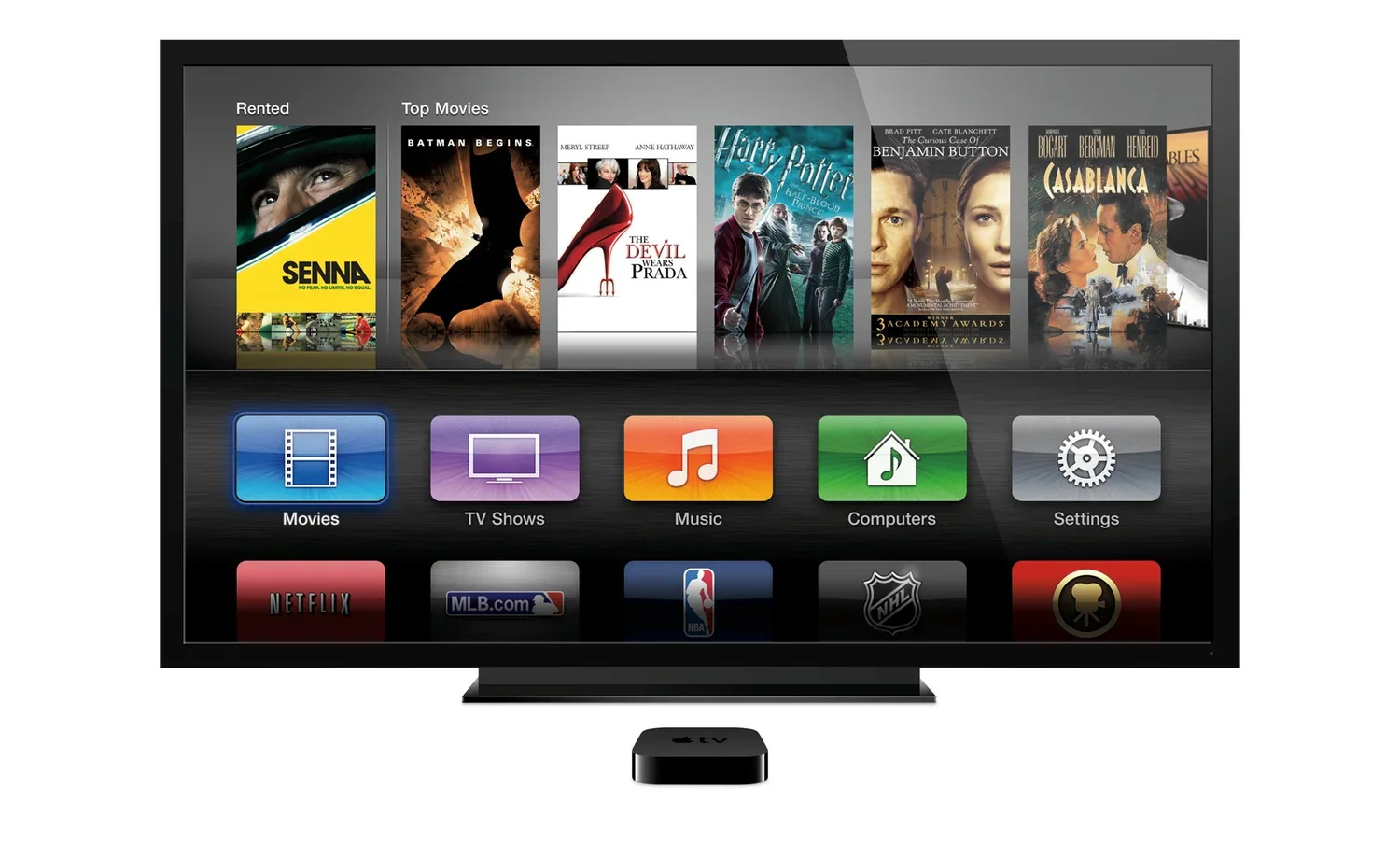
I've been a user of Apple TV for some time now, and despite some shortcomings, it is a simply amazing device that is especially powerful for people who have recent models of iPads, iPhones and iPod Touches. And with Mountain Lion coming out soon it's about to get even more amazing. Apple today annou

Mac Tip: International Characters

Mac Tip: International Characters

There is a big difference between "resume" and "resumé". Hold a key for one second and a menu pops up providing several accented and character options. In the example picture above I'm holding the "s" key. Click the one you want or press the corresponding number key. Vo

Image viewer