

If children use your iPhone or iPad, review how App Store purchases are approved. When purchases use your Apple Account password, go to Settings > [your name] > Media & Purchases > Password Settings and choose Always Require rather than Require After 15 Minutes. If Password Settings is missing, Face ID or Touch ID is enabled for purchases; keep that protection enabled. The screenshot shows the older iOS Restrictions interface.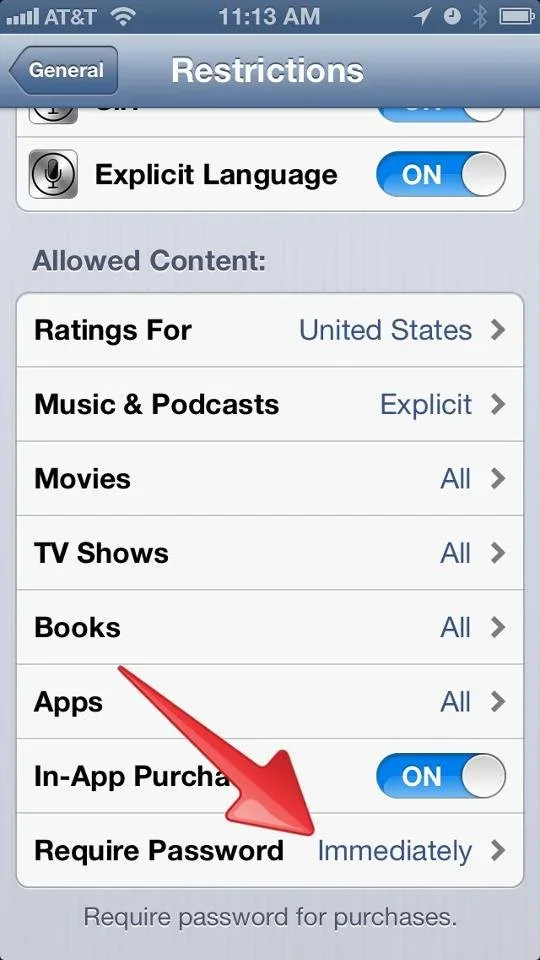
Prevent your little ones from racking up an App Store bill
