


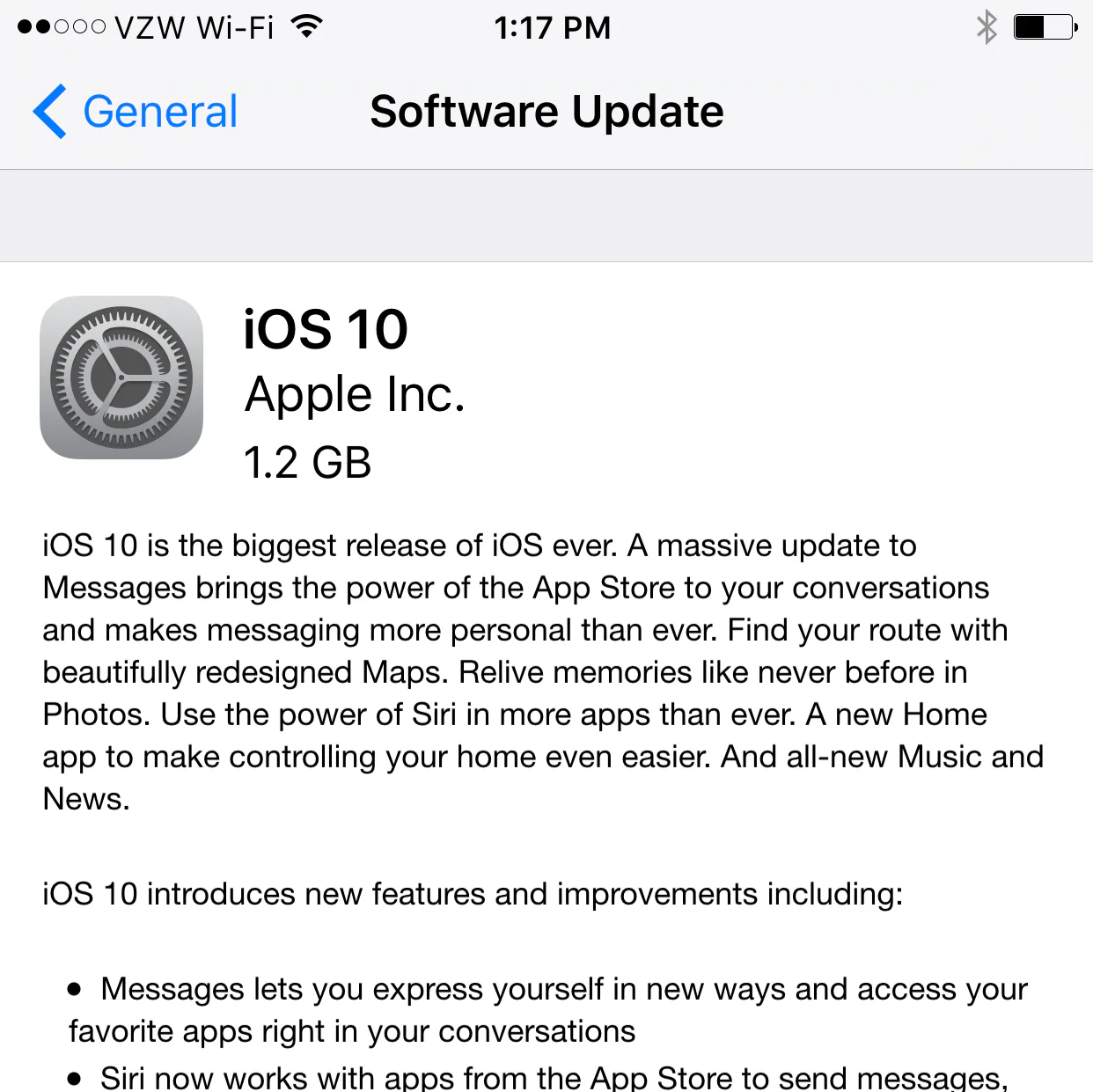
Updates include:
iOS - note that this is labeled as 10.0.1. To upgrade go to Settings > General > Software Update.
- New lock screen experience (read this article that explains the changes)
- Deeper support for 3D touch
- Most built-in apps are removable
- Mail conversation view
- More immersive iMessage experience
- Siri works with supported third party apps "Get me an Uber to Dulles" or "PayPal John 20 dollars"
- Third party integration for Maps, such as Uber and OpenTable
- Much deeper HomeKit support
- Redesigned Music app
- Rich notifications
- ApplePay in Safari
- Multilingual typing, no need to manually switch languages
watchOS - to upgrade first upgrade your iPhone, then on your paired iPhone go to the Watch app > General > Software Update.
- Holy frak it's fast!
- Reminders app
- HomeKit app
- Minnie Mouse watch face
- Quick switching between watch faces
- Manipulate watch faces and complications from the Apple Watch app on your iPhone
tvOS - to upgrade go to Settings > System > Software Update.
- Siri search by topic
- HomeKit commands using Siri
- Single Sign On allows you to log in once for your TV provider for all apps
- Dark Mode option
- Option to auto-install apps you purchase on your iPhone or iPad