

Get the formatting menu in iOS Mail. Simply select some text as if you were going to copy it (double tap a word then drag the edges to highlight the entire selection you want if needed). Then tap the right arrow in the popup menu. From there you'll see basic formatting such as bold, italics, and underline.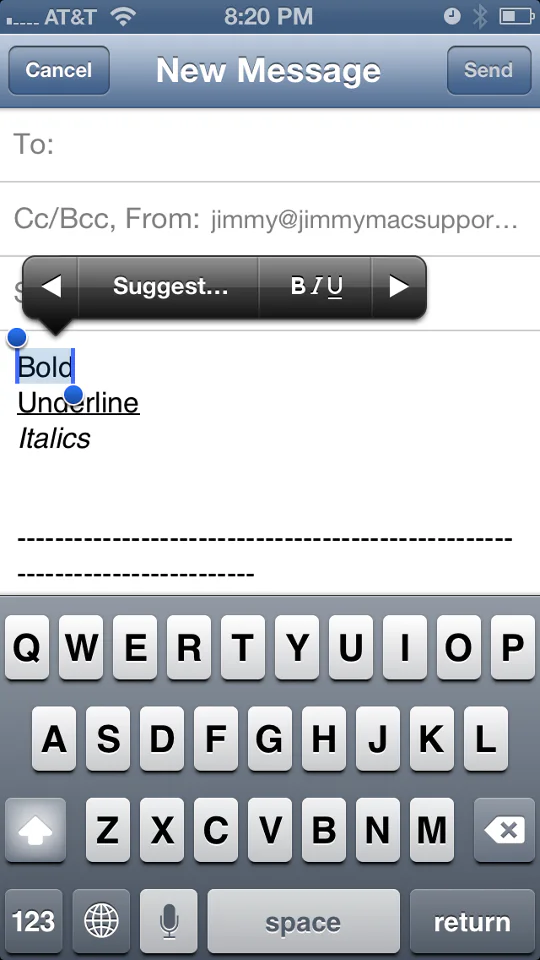
Formatting text in iOS Mail
