


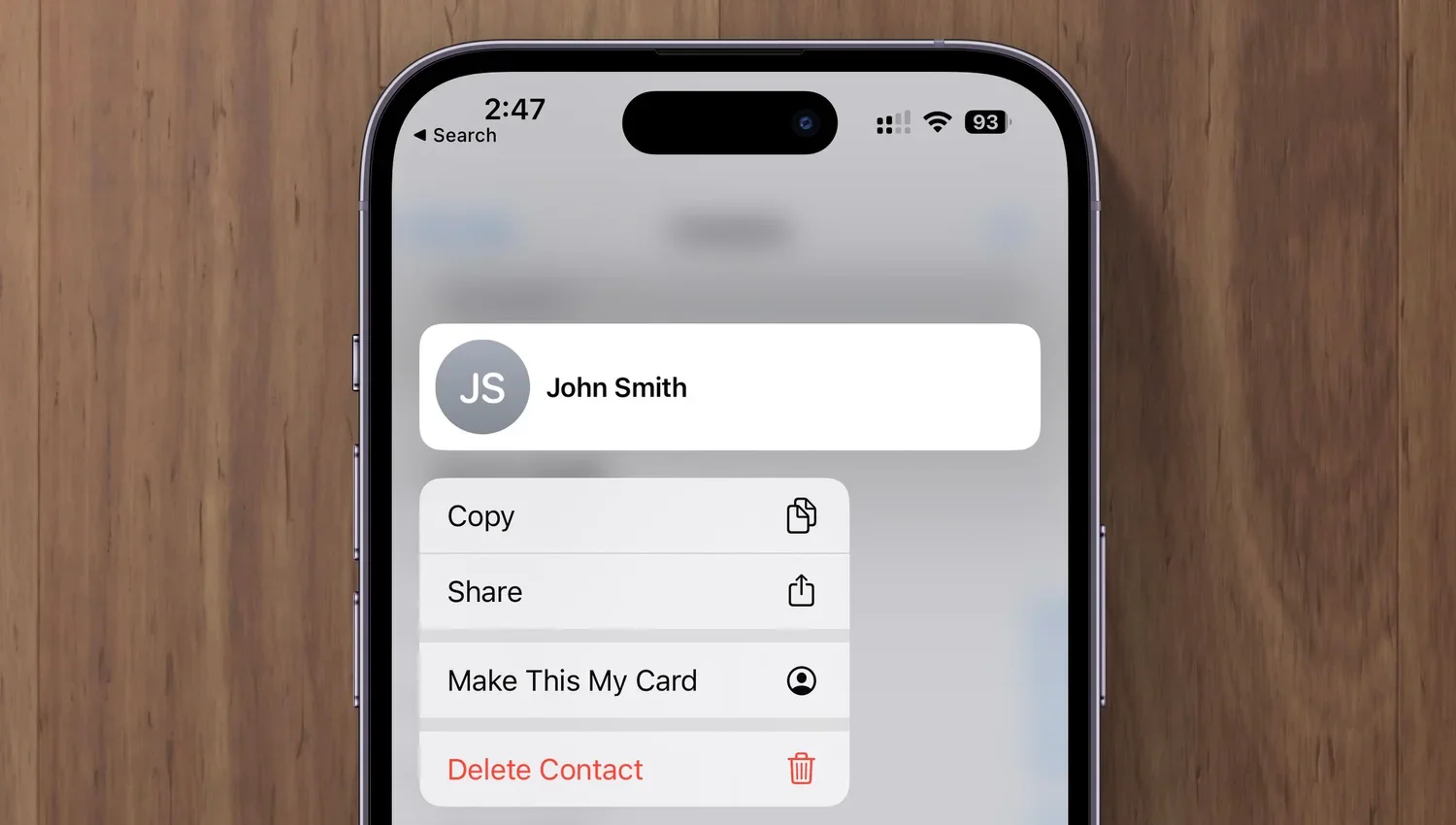
Deleting contacts on the iPhone and iPad used to be a pain, especially if you wanted to trash multiple contacts. You had to open the contact, tap Edit, scroll to the bottom, and tap Delete Contact. Although you still can’t swipe left on a contact in a list, as you do when deleting in Mail and Messages, iOS 16 and iPadOS 16 provide a simpler method. Touch and hold a contact in the Phone or Contacts app until a menu appears, then tap Delete Contact at the bottom.
(Featured image based on an original by iStock.com/anyaberkut)