
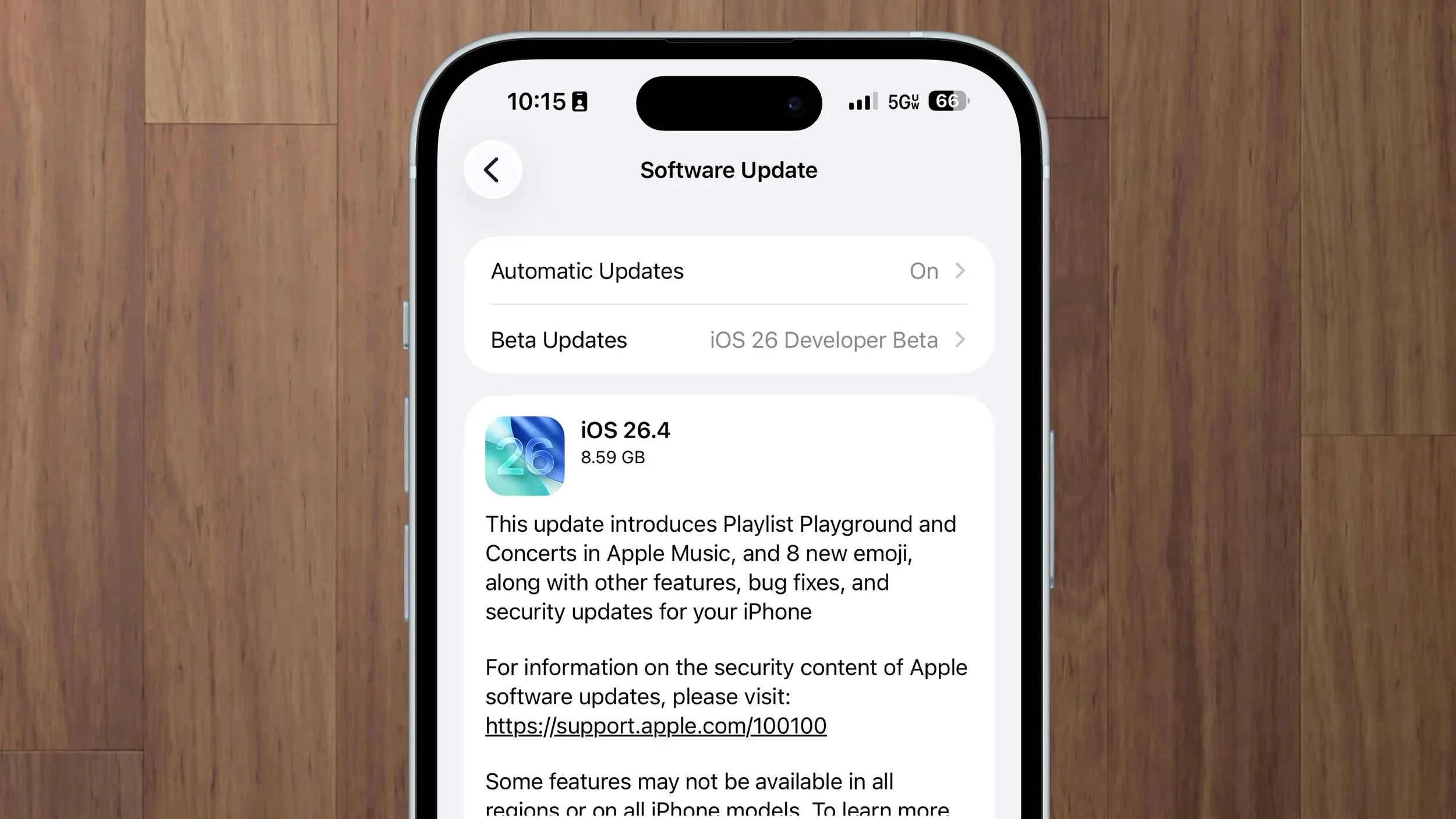

Today, Apple released the 26.4 update for all devices. These updates have several new features, performance improvements, and security updates, along with a lot of small quality-of-life improvements.
I recommend installing these updates when you get a chance.
The software versions released today are:
- iOS 26.4
- iPadOS 26.4
- macOS 26.4 Tahoe
- watchOS 26.4
- tvOS 26.4
- visionOS 26.4
- Studio Display firmware 26.4
Additionally, Apple released some security updates for older software. The macOS updates are for anyone, while the other updates are only for devices that are unable to upgrade:
- macOS 15.7.5 Sequoia
- macOS 14.8.5 Sonoma
- iOS 18.7.7
- iOS 16.7.15
- iOS 15.8.7
- watchOS 8.8.2
- watchOS 5.3.10
What are the new features in iOS 26.4?
- Stolen Device Protection is now enabled by default for all iPhones. This protects your passwords, bank accounts, and Apple Account if someone steals your phone and knows your passcode. You don’t need to do anything. It is automatic after updating.
- Playlist Playground is a new AI-powered Apple Music feature that generates playlists from a text description, like “rainy Sunday morning coffee” or ”80s road trip.” It requires Apple Intelligence, an iPhone 15 Pro or newer, and an Apple Music subscription. It is currently available only in the United States.
- Apple Music also gets a redesigned full-screen look for albums and playlists, a new section for finding concerts near you, and the ability to add songs to multiple playlists at once.
- A new Ambient Music widget for the iPhone Home Screen gives you quick access to Apple’s built-in background sounds for sleep, focus, and relaxation.
- Battery charge limit can now be set using Shortcuts. I have mine set to 80% when I’m home and 100% when I’m not.
- Offline Music Recognition in Control Center can now identify songs even without an internet connection. It saves the result and delivers it when you’re back online.
- If Liquid Glass has been hard on your eyes, there are new accessibility options. A “Reduce bright effects” setting minimizes bright flashes when tapping buttons, and the existing Reduce Motion setting now more reliably tones down Liquid Glass animations. Look in Settings > Accessibility > Display & Text Size.
- Apple Podcasts now has an enhanced video podcast experience with full-screen playback, seamless switching between audio and video, and the ability to download video episodes for offline viewing.
- Reminders now has a dedicated “Urgent” smart list that collects all your time-sensitive tasks marked as Urgent, a feature added in iOS 26.2, in one place.
- The Health app shows a new bedtime trend in the Sleep section, and Blood Oxygen readings are back in the Vitals graph.
- Personal Hotspot now shows per-device data usage, so you can see which connected devices are consuming data.
- In the Apple TV app, you can now change subtitle styles, including large text, outlines, and transparent backgrounds, directly during playback instead of going through Accessibility settings.
- Improved keyboard accuracy when typing quickly. If you’ve noticed your iPhone keyboard inserting the wrong letter even though you tapped the right one, this update fixes that.
- Family Sharing payment change: Adult members of a Family Sharing group can now use their own payment method for purchases instead of being forced to share the organizer’s payment method. This makes it much easier to share apps and subscriptions with family or friends without paying for each other’s purchases.
- Eight new emoji: orca, trombone, treasure chest, Bigfoot, ballet dancers, distorted face, fight cloud, and landslide.
What’s new in macOS 26.4 Tahoe?
Most of the iOS features listed above also apply to the Mac. In addition, macOS 26.4 adds:
- Battery Charge Limit: MacBook users can now set a maximum charge level between 80% and 100% in System Settings > Battery. This can help preserve your battery’s long-term health if your MacBook is plugged in most of the day. This feature is available only on MacBooks with Apple Silicon, M1 or later, not Intel models.
- Safari’s compact tab bar is back. Apple removed this layout option when macOS Tahoe first launched, and it has now been restored in Safari’s settings.
- Rosetta warnings: If you have a Mac with Apple Silicon, M1 or later, and open an app built for Intel Macs, you will now see a warning that those apps will stop working with macOS 27. Nothing is broken right now, and the app will continue to work. Before upgrading to macOS 27 this fall, however, you will want to check whether the app has an update or find a replacement.
Along with those features, Apple included bug fixes and security patches.
What’s new on Apple TV?
- Genius Browse is a new feature in the Apple TV app that helps you discover TV shows and movies, similar to the old Genius recommendations from iTunes.
- A new Continuous Audio Connection setting fixes audio popping, dropouts, and volume issues that some people have experienced, particularly with Sonos speakers and older AV receivers. You can find it in Settings > Video and Audio > Audio Format.
- The standalone iTunes Movies and iTunes TV Shows apps have been removed. All your purchases are still available in the Apple TV app’s Library tab, and nothing is lost. This has been a long time coming. For the past two years, the iTunes apps have only told you to use the Apple TV and Music apps.
Should I update to iOS 26.4?
Yes. Even if none of the new features interest you, I recommend updating for the performance improvements, bug fixes, and security fixes.
To update your software, go to Settings > General > Software Update.
If you need help updating your Mac or iPhone, or have questions about any of these changes, I offer one-on-one tech tutoring sessions in San Francisco and via Zoom. Book an appointment, and I’m happy to walk you through it.