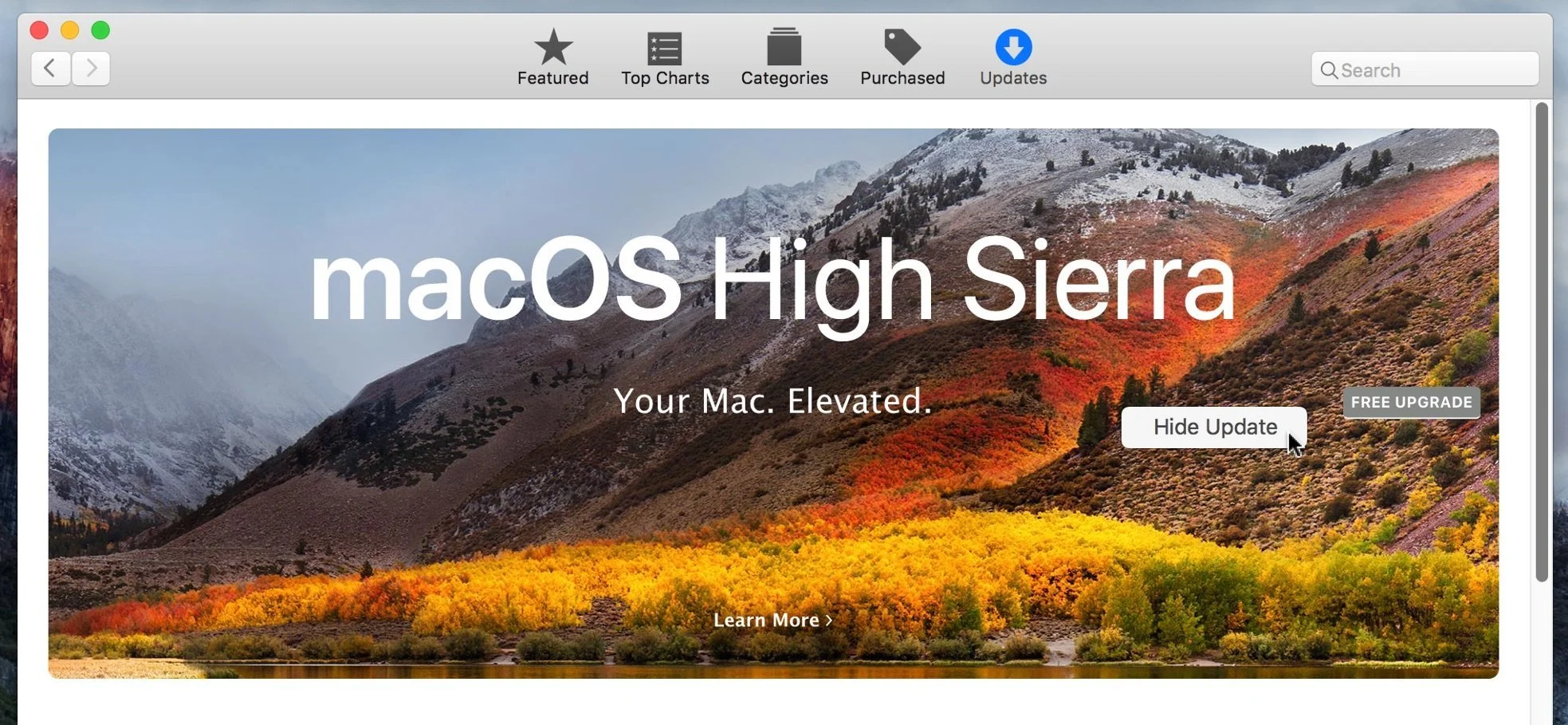
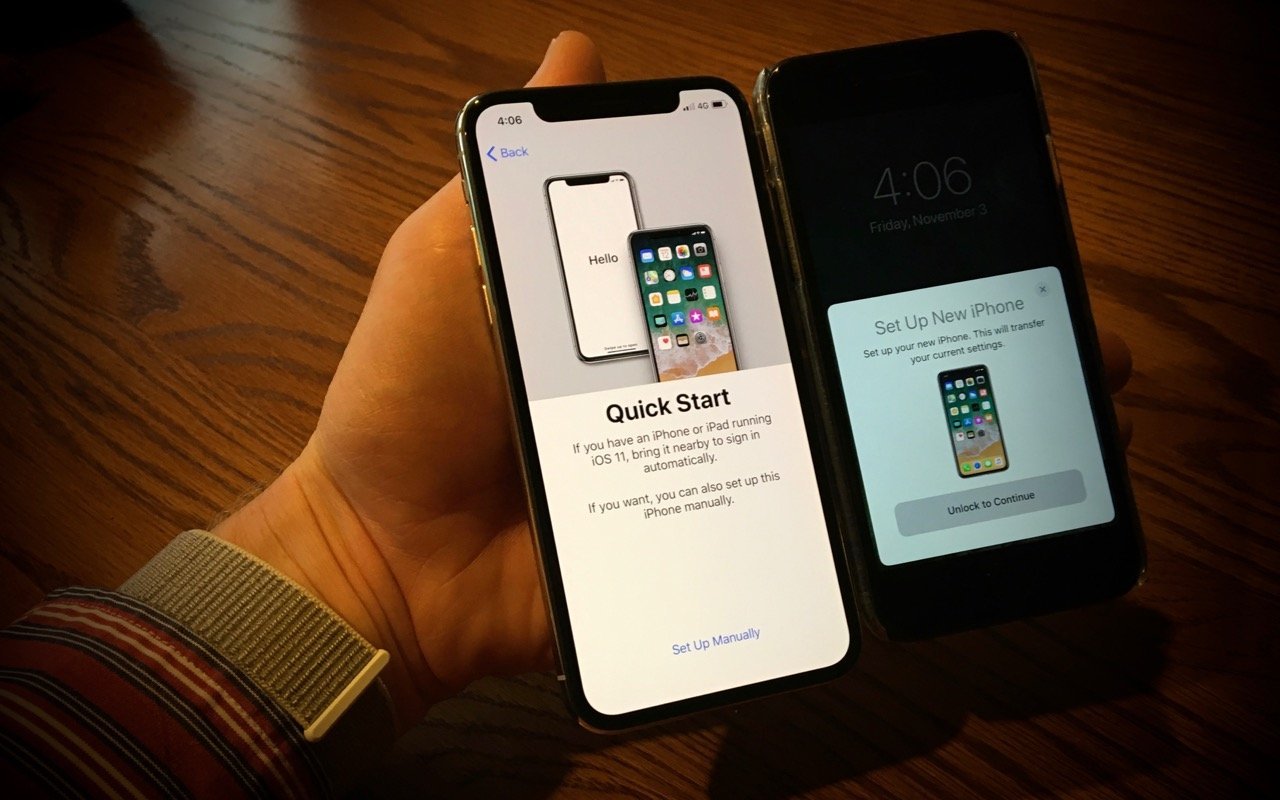
No results found Mac, Tip 3/2/18 Mac, Tip 3/2/18 How to stop High Sierra upgrade reminders Read More iOS, Tip 2/28/18 iOS, Tip 2/28/18 iOS Tip: Too many breaking news alerts? Here's how to stop or reduce them Read More Apple Watch, iOS, Tip 2/27/18 Apple Watch, iOS, Tip 2/27/18 Call 911! Or, with an iPhone or Apple Watch, Invoke Emergency SOS. Read More Tip 2/20/18 Tip 2/20/18 macOS Tip: Swipe Back and Forth between Web Pages for Easier Navigation–Or Turn it Off if Accidentally Invoked Read More iOS, Siri, Tip 2/15/18 iOS, Siri, Tip 2/15/18 iOS and Mac Tip: Create and Name Reminders Lists to Use Them Via Siri Read More iOS, Mac, Tip 2/14/18 iOS, Mac, Tip 2/14/18 Install Minor Operating System Updates to Maintain Herd Immunity–and to Protect Yourself Read More iOS, Tip 2/12/18 iOS, Tip 2/12/18 iPhone X Tip: Find the Battery Percentage Indicator Read More Mac, Tip 2/8/18 Mac, Tip 2/8/18 Ransomware: Should You Be Worried, and What Protective Steps Should You Take? Read More iOS, Tip 2/6/18 iOS, Tip 2/6/18 The Swipes You Need to Know to Multitask in iOS 11 on an iPad Read More Tip 2/2/18 Tip 2/2/18 Having Trouble Switching Apps on iPhone X? Try This. Read More iOS, Tip 2/1/18 iOS, Tip 2/1/18 Follow This Quick Tip to Put Calendar Events in the Right Place Read More Apple Watch, iOS, Tip 1/31/18 Apple Watch, iOS, Tip 1/31/18 How to a pay friend with Apple Pay Cash Read More iOS, Tip 1/29/18 iOS, Tip 1/29/18 What You Need to Know about Face ID on iPhone X Read More Mac, Tip 1/25/18 Mac, Tip 1/25/18 macOS Tip: Customize Web Site Behavior with Safari’s Site-Specific Settings Read More Mac, Tip 1/17/18 Mac, Tip 1/17/18 At least two backups for your Mac, and no, iCloud is not a backup Read More Mac, Tip 1/2/18 Mac, Tip 1/2/18 Looking for More Image Editing Power than Photos Can Provide? Photos now supports external editors Read More iOS, Tip 12/23/17 iOS, Tip 12/23/17 Media hype alert: Apple isn't slowing down your iPhone simply because it's old Read More Tip 12/5/17 Tip 12/5/17 Here’s the Fastest Way to Set Up a New iPhone Read More Apple Watch, Tip 12/1/17 Apple Watch, Tip 12/1/17 Apple Watch users can now participate in the Apple Heart Study Read More Tip 11/21/17 Tip 11/21/17 iOS 11/macOS High Sierra Tip: Stop Paying Too Much for a Family’s iCloud Drive Storage Read More Newer Posts Older Posts
iOS, Tip 2/28/18 iOS, Tip 2/28/18 iOS Tip: Too many breaking news alerts? Here's how to stop or reduce them Read More
Apple Watch, iOS, Tip 2/27/18 Apple Watch, iOS, Tip 2/27/18 Call 911! Or, with an iPhone or Apple Watch, Invoke Emergency SOS. Read More
Tip 2/20/18 Tip 2/20/18 macOS Tip: Swipe Back and Forth between Web Pages for Easier Navigation–Or Turn it Off if Accidentally Invoked Read More
iOS, Siri, Tip 2/15/18 iOS, Siri, Tip 2/15/18 iOS and Mac Tip: Create and Name Reminders Lists to Use Them Via Siri Read More
iOS, Mac, Tip 2/14/18 iOS, Mac, Tip 2/14/18 Install Minor Operating System Updates to Maintain Herd Immunity–and to Protect Yourself Read More
Mac, Tip 2/8/18 Mac, Tip 2/8/18 Ransomware: Should You Be Worried, and What Protective Steps Should You Take? Read More
iOS, Tip 2/6/18 iOS, Tip 2/6/18 The Swipes You Need to Know to Multitask in iOS 11 on an iPad Read More
iOS, Tip 2/1/18 iOS, Tip 2/1/18 Follow This Quick Tip to Put Calendar Events in the Right Place Read More
Apple Watch, iOS, Tip 1/31/18 Apple Watch, iOS, Tip 1/31/18 How to a pay friend with Apple Pay Cash Read More
Mac, Tip 1/25/18 Mac, Tip 1/25/18 macOS Tip: Customize Web Site Behavior with Safari’s Site-Specific Settings Read More
Mac, Tip 1/17/18 Mac, Tip 1/17/18 At least two backups for your Mac, and no, iCloud is not a backup Read More
Mac, Tip 1/2/18 Mac, Tip 1/2/18 Looking for More Image Editing Power than Photos Can Provide? Photos now supports external editors Read More
iOS, Tip 12/23/17 iOS, Tip 12/23/17 Media hype alert: Apple isn't slowing down your iPhone simply because it's old Read More
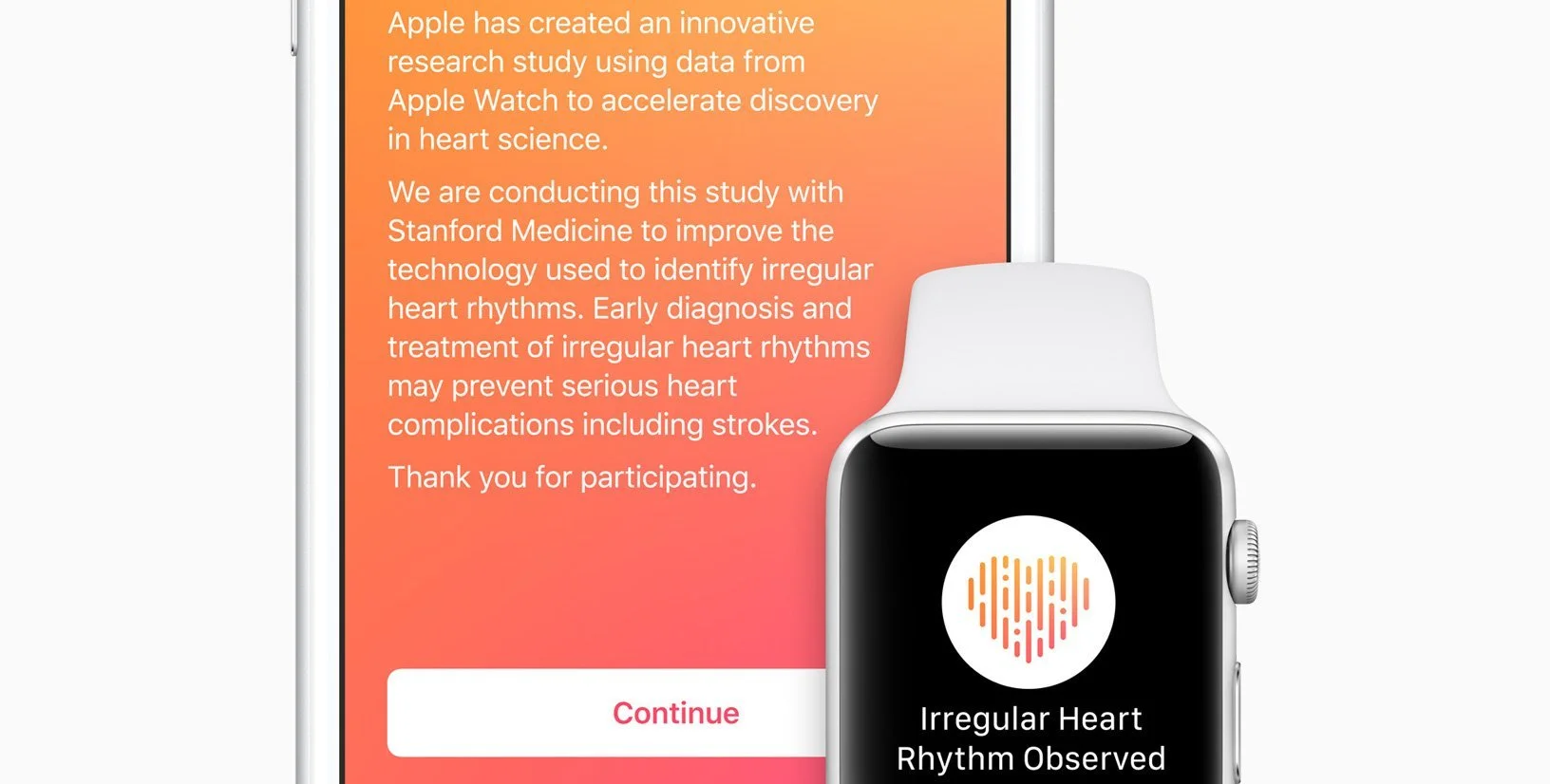
Apple Watch, Tip 12/1/17 Apple Watch, Tip 12/1/17 Apple Watch users can now participate in the Apple Heart Study Read More
Tip 11/21/17 Tip 11/21/17 iOS 11/macOS High Sierra Tip: Stop Paying Too Much for a Family’s iCloud Drive Storage Read More